
Extract
You need the pictures from a brochure, and right-click "Save image" does not work in a PDF. Extracting takes out what is inside a file and saves it as files of its own: every image, chosen pages, the text, the links.
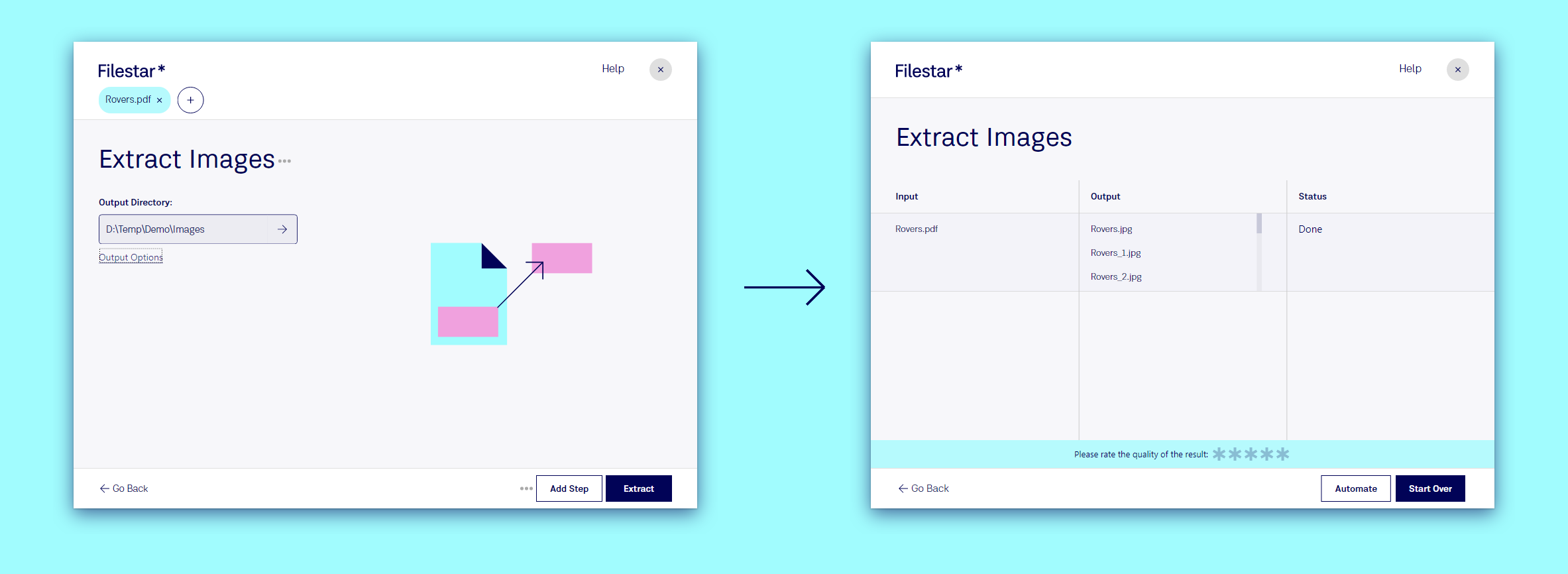
Extract the images from a PDF
- Drop the PDF on Filestar.
- Type
extract imagesand pick the suggestion. - Choose where they go under Output Directory: a folder of their own keeps things tidy.
- Click Extract.
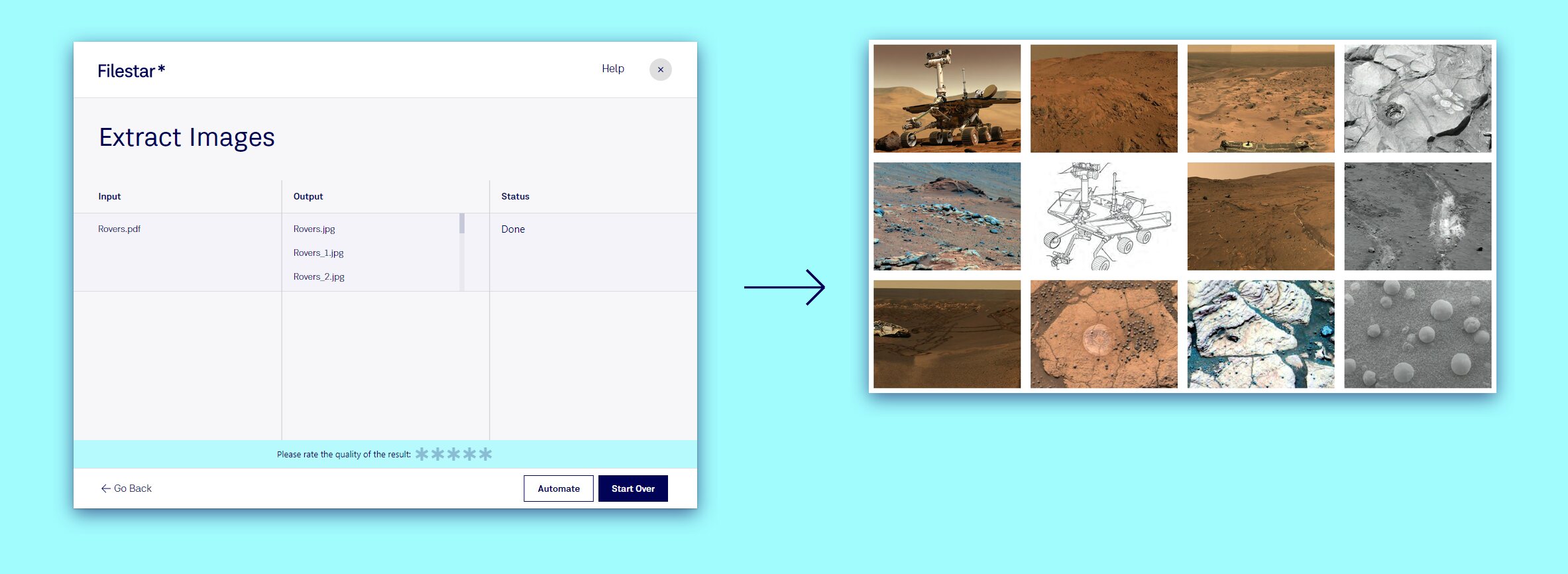
From a 20-page brochure about the Mars rovers, Filestar pulled out 32 images in their original quality, ready to use:
What else can be extracted
- Pages from a PDF, to keep only the ones you need: extract pages from a PDF
- Images from Word documents: extract images from a DOCX
- Links from a PDF or a document: extract links from a PDF
- Photo details like the camera and date: extract EXIF from a JPG
- Files from archives, like a zip, keeping the folders inside it: see the
<ArchivePath>tag in Bulk Renaming
Drop your file and type extract to see what Filestar can take out of it.
Go further
- Convert as you extract: add a step that turns the images into JPGs or resizes them. See Recipes.
- Split instead? If you want every page as its own file, see Split.
Try it: Extract images from a PDF.