
AI Generated Skills and Recipes
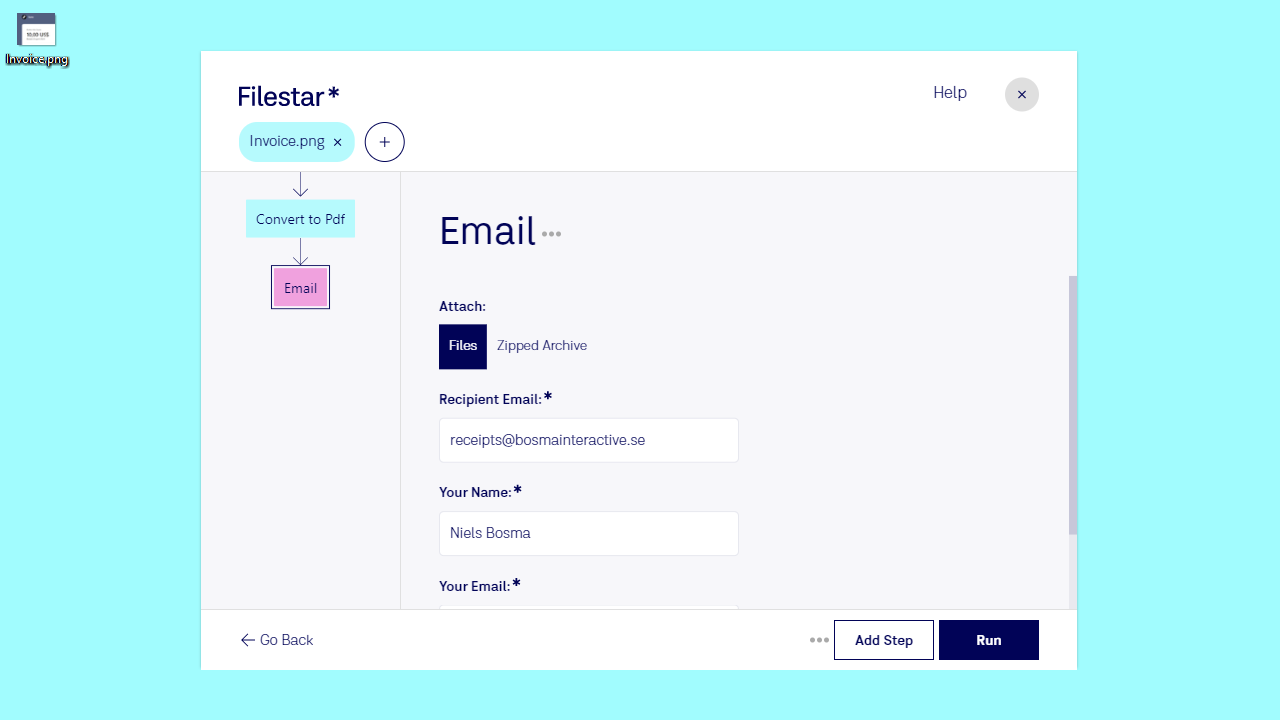
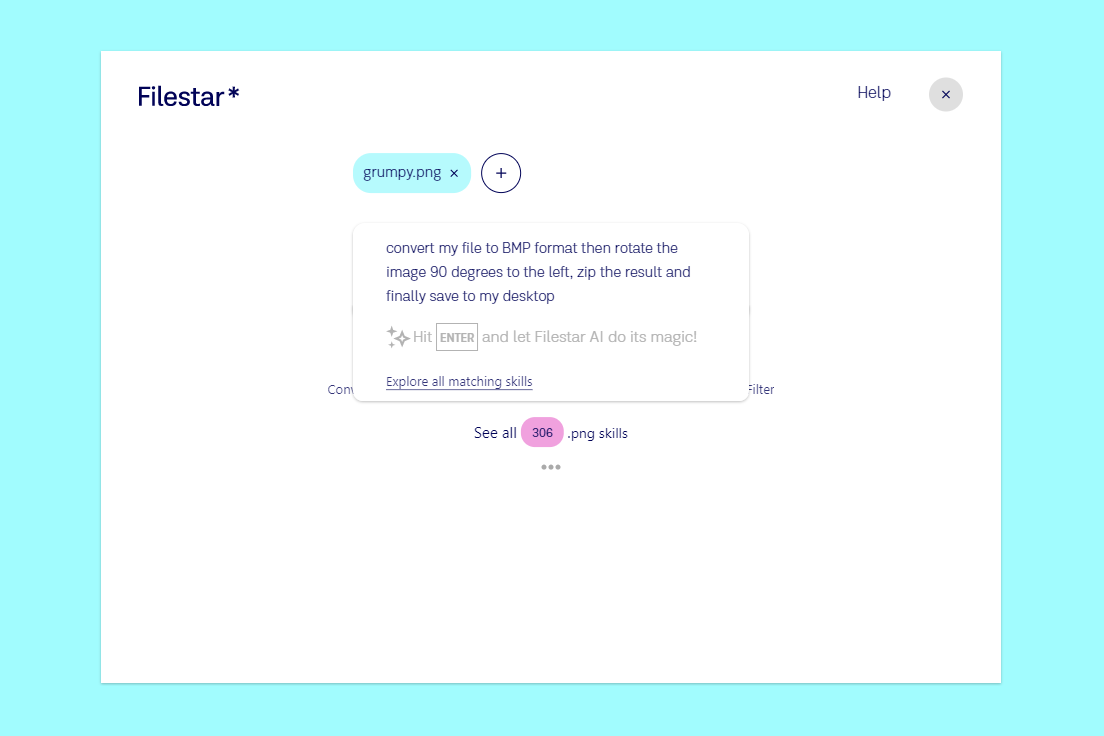
We are excited to announce the launch of Filestar's new AI features, which will help you create workflows faster and easier than ever before.

Introducing AI-Powered Skills
Filestar joins the AI race, offering six powerful skills: document translation, transcribing audio/video, removing image backgrounds, upscaling images, vectorizing raster images, and colorizing black and white photos.

Convert image sequences into animated video
Time to digitalize that old flipping book.

How to create animated WebP from video
Want to turn a video into an animation for the web? Look no further.
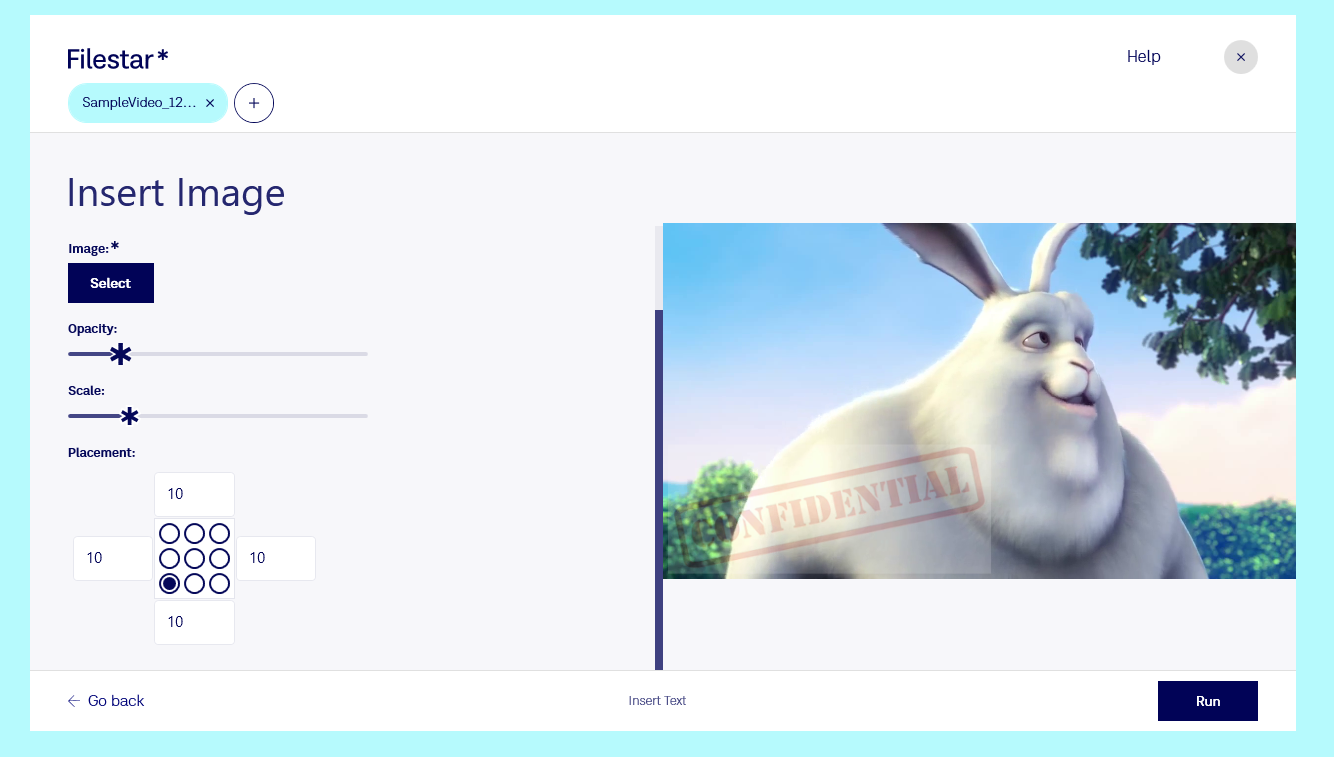
Watermark video using Filestar
Filestar now supports video watermarking.

Best Browser Compatible Files for Ultimate Performance
The performance, appearance, and scalability matter to Google and your site visitors. Today, we'll dive into the best file formats for your web 101. From document files to audio, video, image, and even multiple files. Here is our list.

How to take a screenshot on a PC
Screenshots provide an easy way to showcase your entire screen or part of it. Windows PC gives you quite a number of ways and keyboard shortcuts to capture screenshots. Here are some shortcuts to help you out.
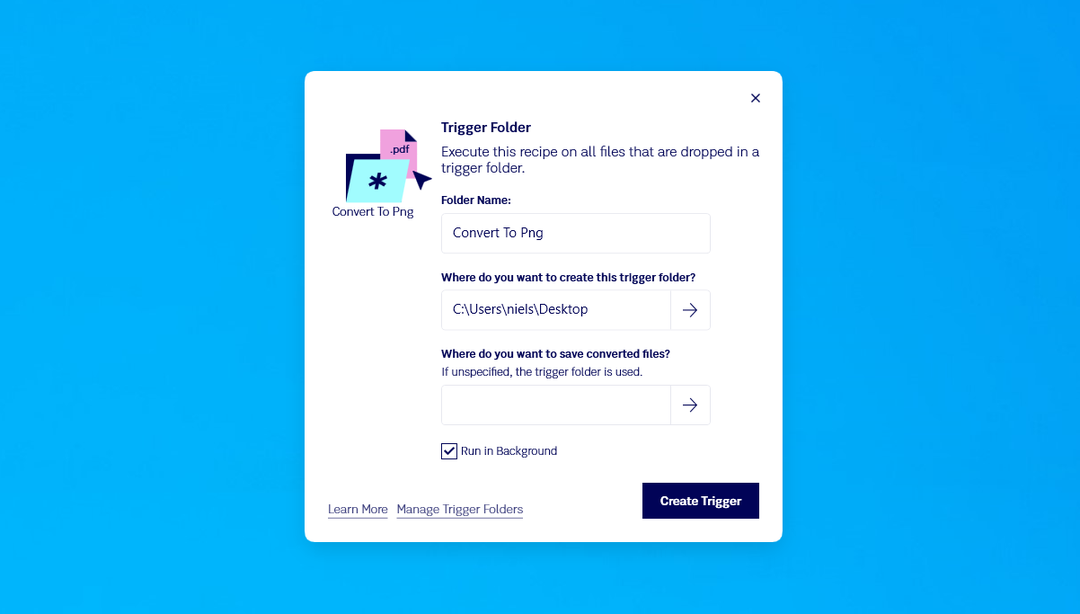
Filestar Update: Trigger Folders
Check out this post to find out the latest features and updates from Filestar.

Advanced Renaming Function with Filestar
Does your work revolve around dealing with large folders carrying numerous files? If yes, you know the excruciating pain that’s associated with renaming files. Find out how Filestar makes even the most complex batch renaming a breeze.