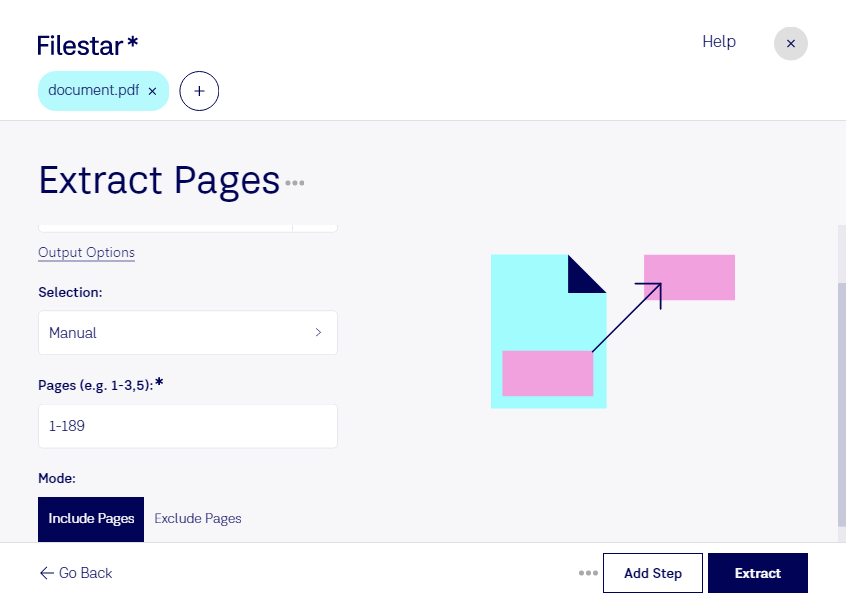
Extract pages pdf

  1. Download and install the latest version of Filestar.

  2. Right click on one or more Pdf file(s) on your desktop and select Convert with Filestar.

  3. Type extract pages in the search box.

  4. Press Extract.

Or let an AI agent do it: filestarcli -i file.pdf -c "extract pages" (how).

extract pages pdf

Let your AI agent extract pages PDF

Claude Code, Codex, Cursor and other agents can do this on your computer with Filestar. Your files stay on your machine.

Install Filestar and add it to your agents:

npm install -g filestar
filestarcli agent install

Then ask your agent:

“Use Filestar to extract pages PDF in my Downloads folder”

Or run it yourself:

filestarcli -i file.pdf -c "extract pages"

Runs on your computer, so your files stay on it. Works on Windows, macOS and Linux. 50 free conversions with the npm install, no account needed.

Can my AI agent extract pages PDF?

Yes. Install the Filestar CLI with npm install -g filestar and your agent can run filestarcli -i file.pdf -c "extract pages" on your computer, so your files stay on it.

Using Filestar With AI Agents · Download SKILL.md

What is .pdf?

Extension
.pdf
Format
Binary
Category
Document
Developer
Adobe Systems
Description
The Portable Document Format (PDF) is a versatile file type designed to present documents in a manner independent of application software, hardware, and operating systems. Created by Adobe in the 1990s, PDF files can encapsulate text, fonts, images, and even interactive elements like hyperlinks, forms, and multimedia content. This format is widely used for its ability to preserve the original formatting of a document, ensuring that it can be viewed and printed as intended across different platforms.
MIME Type
application/pdf

Extract Pages Pdf Today

Get started within minutes

Are you tired of scrolling through endless pages in your PDF files? Extract Pages PDF with Filestar's software and save time. Our software allows for bulk conversion and operations, making it easy to extract pages from multiple files at once.

Filestar runs on both Windows and OSX, ensuring that you can use our software no matter what operating system you prefer. Our software is perfect for professionals who need to extract pages from multiple PDF files, such as lawyers, accountants, and researchers.

But why should you convert and process your files locally on your computer instead of in the cloud? The answer is simple: safety. When you process files in the cloud, you risk exposing sensitive information to potential hackers. With Filestar's software, you can rest assured that your files are processed safely and securely on your own computer.

Don't waste any more time scrolling through endless pages in your PDF files. Try Filestar's software today and extract pages from your PDF files with ease.