
Forty PDFs to print for the meeting, and every one of them needs opening, Ctrl+P, OK, close. Filestar prints them all in one go, straight to the printer you choose, without opening a single file.
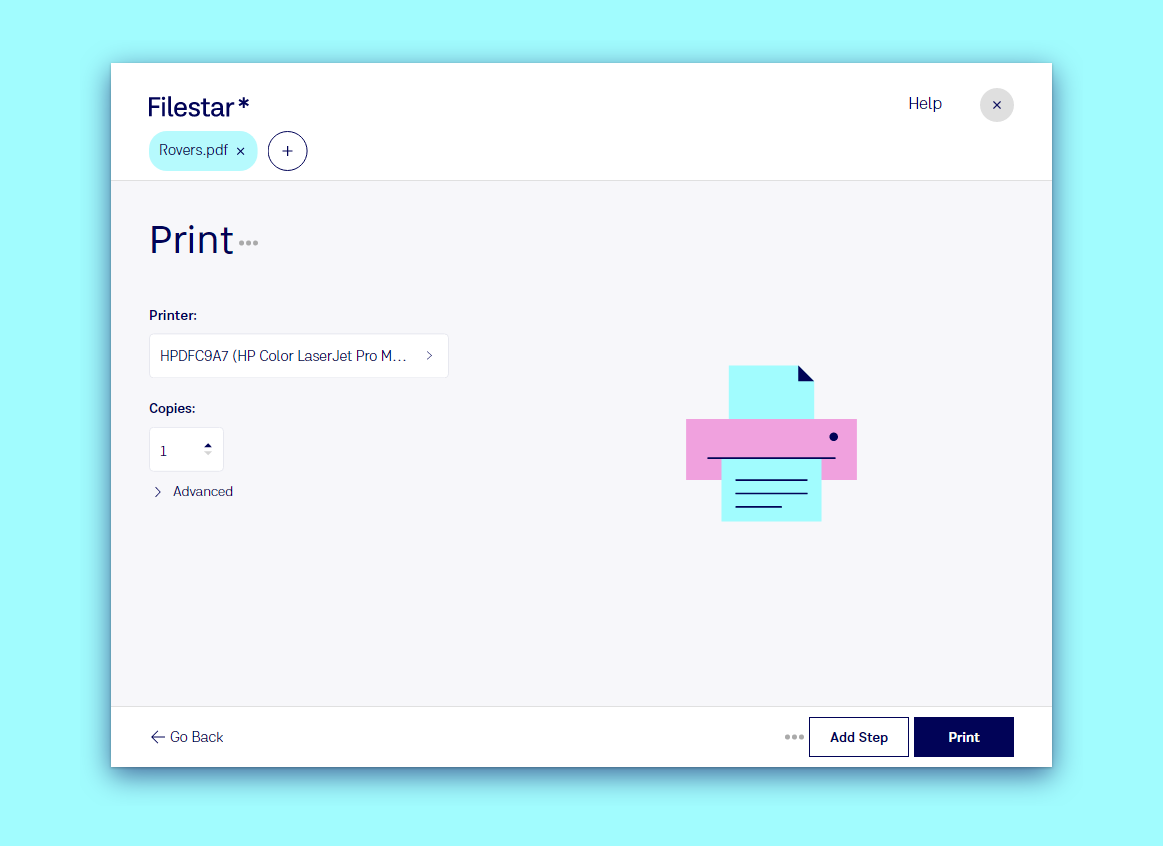
Print files in three steps
- Drop the files on Filestar: one, or the whole stack.
- Type
printand pick the suggestion. - Choose the printer and the number of copies, then click Print.
Every printer your computer knows is in the list, including network printers and "Print to PDF". Advanced has more settings for the files that support them.
What can be printed
Documents, PDFs and images, including formats your usual programs cannot open: print PDF, print DOCX, print JPG, print PNG, print HEIC.
Go further
- Convert and print in one go: for example merge the PDFs first, then print the result as one job. See Recipes.
- Print whatever lands in a folder, such as orders or labels, with a Trigger Folder.
- Print from your desktop: make a Desktop Shortcut and drop files on it.