PES Tools

With Filestar you get 208 different skills for working productively with Brother Embroidery Format (.pes) files.

Embroidery

Machines that use PES: Brother · Baby Lock
What a conversion keeps

Stitches
Every stitch is kept at its exact position. Nothing is re-digitised.
Colours
Kept when the target stores them. DST stores no colours, only where each colour changes, so your machine asks for the threads.
Trims, jumps and stops
Kept, and written the way the target machine expects them.
Objects and lettering
Design programs keep shapes and text as objects. A machine file only holds stitches, so objects become stitches.

All Embroidery Formats and Machines

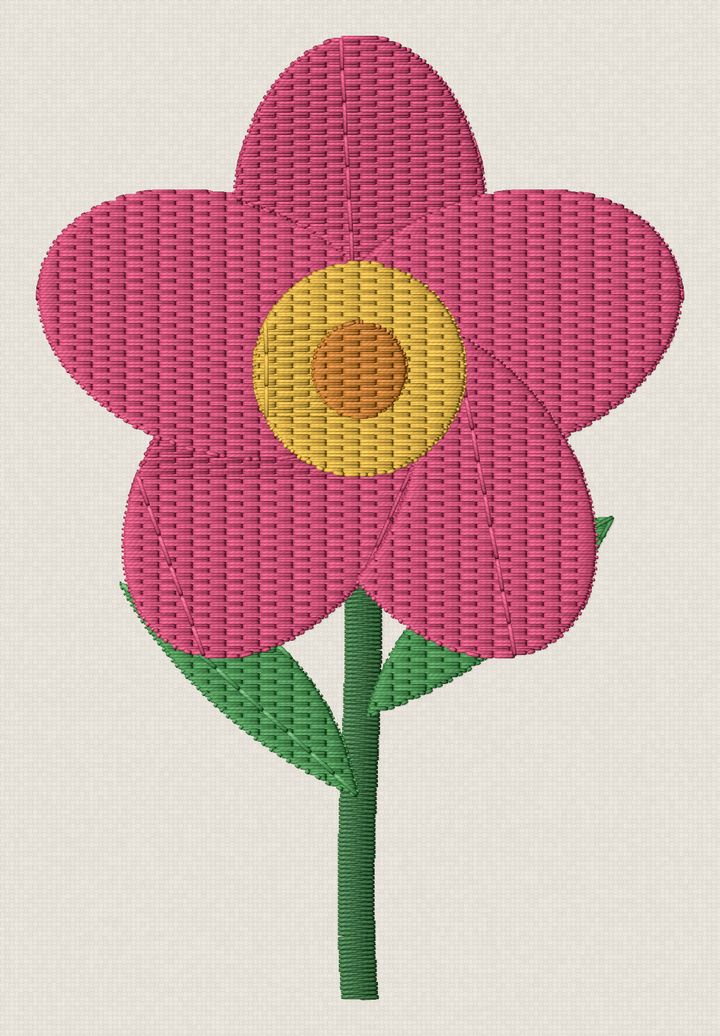
Our own design in this format, as Filestar draws it.

About .Pes

Name
Brother Embroidery Format
Extension
.pes
Format
Binary
Category
Embroidery
Developer
Brother
Description
CAM (computer aided manufacturing) file that contains instructions for creating embroideries with a sewing machine; includes codes such as "stop," "jump," and "trim;" also includes the colors for the design from the supported Brother color palette; can be opened and viewed by various sewing programs.
MIME Type
application/x-brother-pes

Latest .Pes Blog Posts

How to Convert Embroidery File Formats

How to Convert Embroidery File Formats

Embroidery files contain information on how a specific embroidery design will be stitched on an embroidery machine. Ever wondered how you can convert these file formats from one to another without losing relevant information? Well, read on!