
Embroidery
Every embroidery file. Every machine.
Convert, resize and preview PES, DST, JEF, EXP, VP3, HUS and 40 more formats on your own computer. Turn a logo into stitches in one step.
Windows and Mac · your files never leave your computer
More than converting
The same stitches, edited the way an embroiderer would. Skills marked Coming Soon are on their way.
- ConvertAny format to any other, with the colours, trims and stops kept wherever the target can hold them.Live →
- ResizeChange the size in millimetres or inches, for one design or a whole folder.Live →
- Picture to StitchesTurn a logo, PNG or SVG into a file your machine can sew, with fills, outlines and underlay.Live →
- LetteringType a name or a word and get stitches in any format.Live →
- Preview as a PictureSee a design as it will look sewn, as PNG, JPG or PDF, without embroidery software.Live →
- Change Thread ColoursSwap colours, or match a design to Madeira, Isacord, Robison-Anton or Brother threads.Coming Soon
- Print a WorksheetA PDF with the design at real size, the colour order and the thread list.Coming Soon
- Fit to Your HoopPick your machine or hoop. The design is scaled, turned or split to fit.Coming Soon
- Split a DesignSplit a large design into hoopings, or into one file per colour.Coming Soon
- RepairClean up jumps and trims and open files other programs refuse.Coming Soon
See it before you sew it
Filestar draws the thread, not just the lines. Check a design before it goes on the machine.
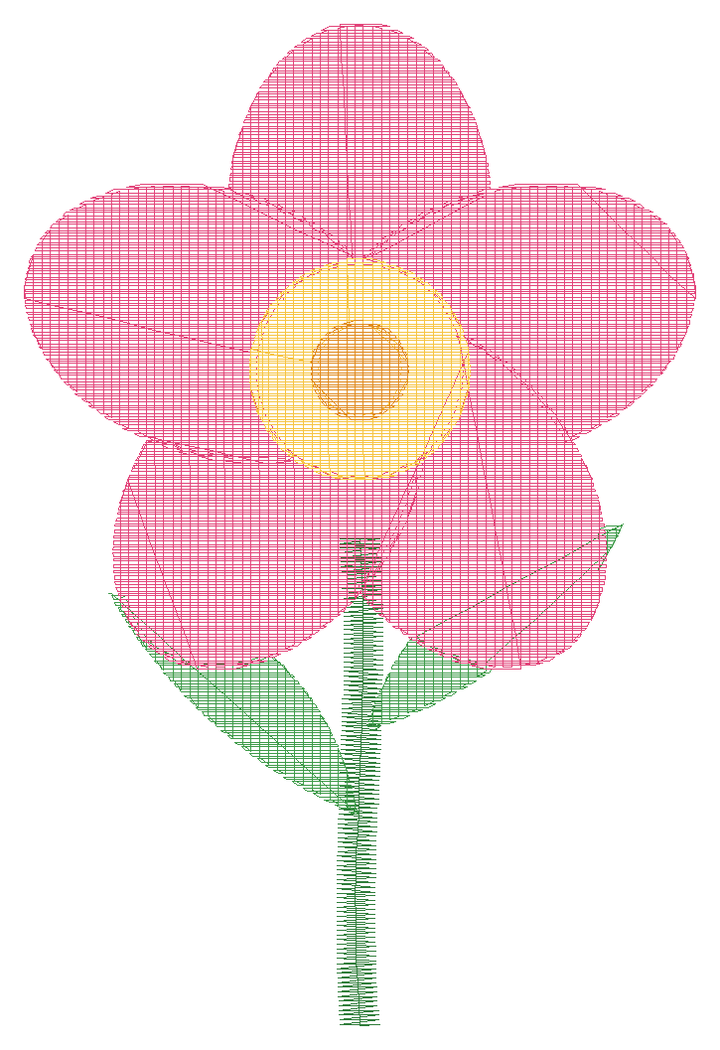
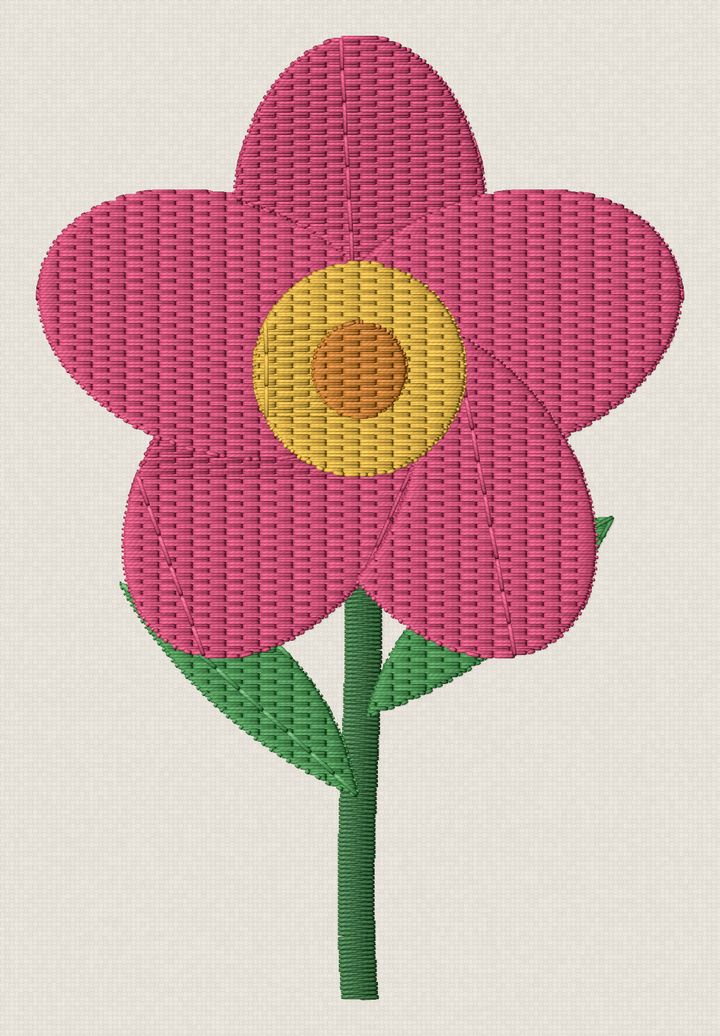
Our own design, digitised and drawn by Filestar.
Every format, honestly
Open means Filestar reads the stitches. Save means it writes them. Preview means it can show the design as a picture.
| Format | Machines | Open | Save | Preview |
|---|---|---|---|---|
| PESBrother Embroidery Format | Brother, Baby Lock | ✓ | ✓ | ✓ |
| DSTTajima Embroidery Format | Tajima and most commercial machines | ✓ | ✓ | ✓ |
| JEFJanome Embroidery Format | Janome, Elna | ✓ | ✓ | ✓ |
| EXPMelco Embroidery File | Melco, Bernina | ✓ | ✓ | ✓ |
| VP3Husqvarna/Viking/Pfaff Embroidery Format | Husqvarna Viking, Pfaff | ✓ | ✓ | ✓ |
| HUSHusqvarna Designer I Embroidery Machine Format | Husqvarna Viking | ✓ | ✓ | ✓ |
| XXXCompucon Singer Embroidery File | Singer | ✓ | ✓ | ✓ |
| PECBrother/Babylock/Bernina Home Embroidery Format | Brother | ✓ | ✓ | ✓ |
| SEWJanome (New Home) Sewing Machine Stitch File | Janome (older) | ✓ | – | ✓ |
| U01Barudan Embroidery Data | Barudan | ✓ | ✓ | ✓ |
| TAPEmbroidery File | Happy | ✓ | – | ✓ |
| SHVHusqvarna Viking Designer Embroidery Design File | Husqvarna Viking | ✓ | ✓ | ✓ |
| VP4Pfaff / Husqvarna Viking Embroidery Design | Husqvarna Viking, Pfaff (mySewnet) | ✓ | – | ✓ |
| VIPPfaff Embroidery Format | Husqvarna Viking, Pfaff | ✓ | – | ✓ |
| ARTBernina Artista Embroidery Design | Bernina (Artista) | ✓ | – | ✓ |
| PCSPfaff Embroidery File | Pfaff | ✓ | – | ✓ |
| CSDSinger Embroidery Format | Singer, Poem | ✓ | – | ✓ |
| EMBWilcom Embroidery Design | Wilcom, Hatch | – | – | ✓ |
What a conversion keeps
Formats hold different things. Here is what happens to each.
Stitches
Every stitch is kept at its exact position. Nothing is re-digitised.
Colours
Kept when the target stores them. DST stores no colours, only where each colour changes, so your machine asks for the threads.
Trims, jumps and stops
Kept, and written the way the target machine expects them.
Objects and lettering
Design programs keep shapes and text as objects. A machine file only holds stitches, so objects become stitches.
Embroiderers already use it
- 180,000+embroidery conversions in the last 12 months
- 10,000+computers converted embroidery files in the last 12 months
- 46embroidery formats it reads
- Localyour designs are converted on your computer
Ask Claude or another AI agent to convert your embroidery folder.
Filestar for AI Agents →Questions
Will the converted file sew the same?
Yes, when the target format can hold what the source holds. The stitches are copied exactly, not re-digitised. A format with no colours, such as DST, keeps the colour changes but not the colours themselves.
Can I resize a design without ruining it?
Small changes, up to about 20%, sew well. For bigger changes, start from the artwork and digitise it again at the new size.
Which format does my machine use?
Brother and Baby Lock use PES, Janome JEF, Husqvarna Viking and Pfaff VP3, Bernina EXP, Singer XXX, and commercial machines DST. Your machine's manual lists the formats it reads.
Can you open Wilcom EMB files?
Filestar shows an EMB design as a picture. The stitches inside an EMB file are encrypted, so it cannot convert it to a machine format yet.
Is turning a JPG into a PES a conversion?
Not really: it is digitising. Filestar traces the picture and plans fills and outlines for you. It works best on logos and clip art with clear shapes and few colours.
Does it work on a Mac?
Yes. Filestar runs on macOS (Intel and Apple silicon) and Windows, so you don't need a Windows PC for your embroidery files.