Print shv worksheet

  1. Download and install the latest version of Filestar.

  2. Right click on one or more Shv file(s) on your desktop and select Convert with Filestar.

  3. Type print worksheet in the search box.

  4. Press Run.

Or let an AI agent do it: filestarcli -i file.shv -c "print worksheet" (how).

Let your AI agent print shv worksheet

Claude Code, Codex, Cursor and other agents can do this on your computer with Filestar. Your files stay on your machine.

Install Filestar and add it to your agents:

npm install -g filestar
filestarcli agent install

Then ask your agent:

“Use Filestar to print shv worksheet in my Downloads folder”

Or run it yourself:

filestarcli -i file.shv -c "print worksheet"

Runs on your computer, so your files stay on it. Works on Windows, macOS and Linux. 50 free conversions with the npm install, no account needed.

Can my AI agent print shv worksheet?

Yes. Install the Filestar CLI with npm install -g filestar and your agent can run filestarcli -i file.shv -c "print worksheet" on your computer, so your files stay on it.

Using Filestar With AI Agents · Download SKILL.md

What is the difference between .shv and .pdf?

Extension
.shv
.pdf
Format
Binary
Category
Embroidery
Document
Developer
Husqvarna
Adobe Systems
Description
A SHV file is a design file used by Husqvarna Viking Designer embroidery machines. It contains an embroidery design, which includes information about stitches, colors, and other design elements. It is used to transfer a design to a machine's memory and create an embroidered object.
The Portable Document Format (PDF) is a versatile file type designed to present documents in a manner independent of application software, hardware, and operating systems. Created by Adobe in the 1990s, PDF files can encapsulate text, fonts, images, and even interactive elements like hyperlinks, forms, and multimedia content. This format is widely used for its ability to preserve the original formatting of a document, ensuring that it can be viewed and printed as intended across different platforms.
MIME Type
application/vnd.husqvarnaviking.shv
application/pdf

Embroidery

Machines that use SHV: Husqvarna · Pfaff

What a conversion keeps

Stitches
Every stitch is kept at its exact position. Nothing is re-digitised.
Colours
Kept when the target stores them. DST stores no colours, only where each colour changes, so your machine asks for the threads.
Trims, jumps and stops
Kept, and written the way the target machine expects them.
Objects and lettering
Design programs keep shapes and text as objects. A machine file only holds stitches, so objects become stitches.

All Embroidery Formats and Machines

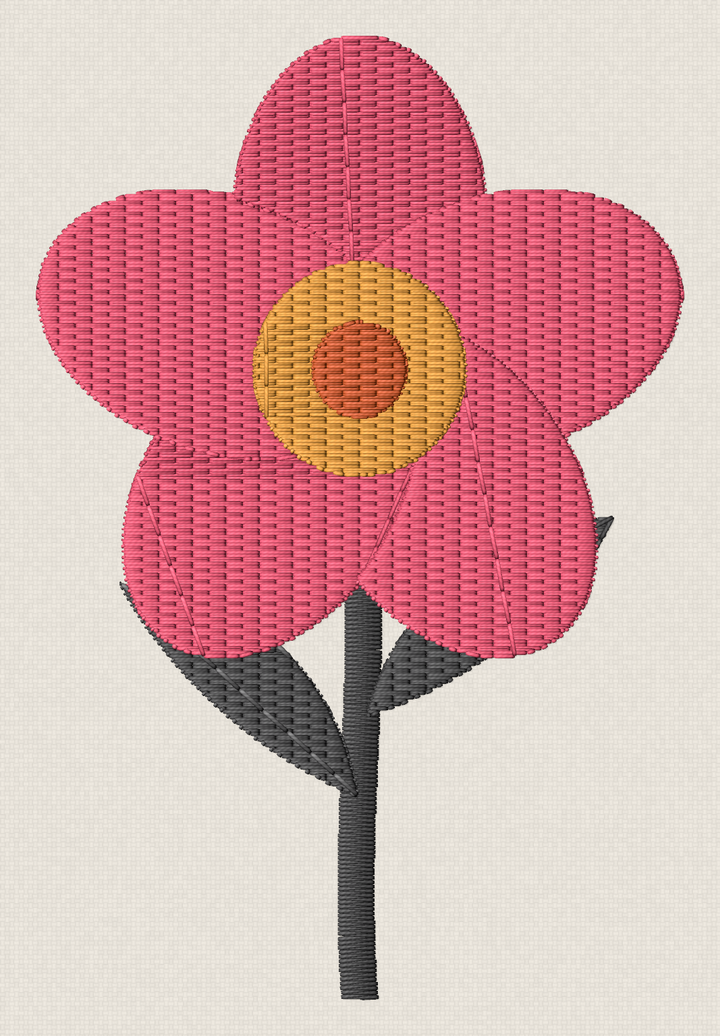
Our own design in this format, as Filestar draws it.

Print Shv Worksheet Today

Get started within minutes