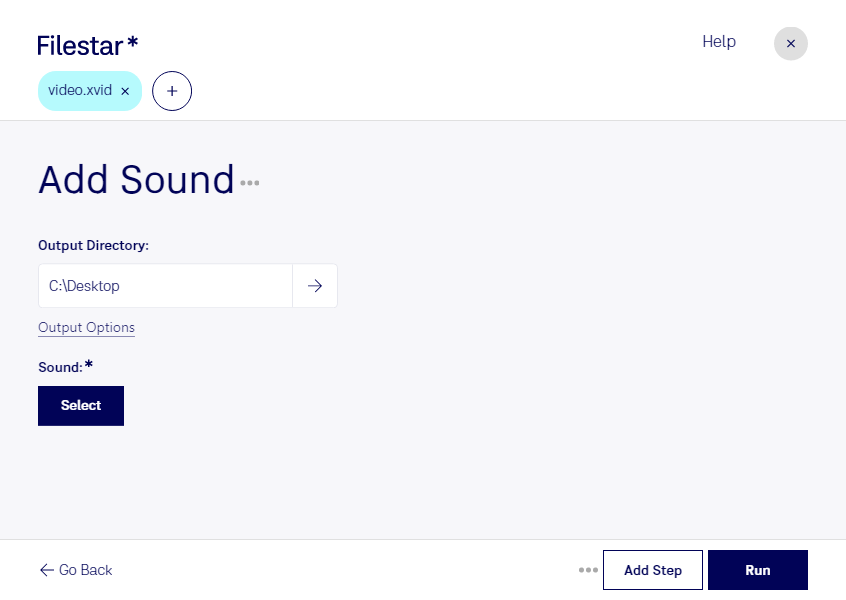
“Use Filestar to add XVID sound in my Downloads folder”
Or run it yourself:
filestarcli -i file.xvid -c "add sound"
Runs on your computer, so your files stay on it. Works on Windows, macOS and Linux. 50 free conversions with the npm install, no account needed.
Can my AI agent add XVID sound?
Yes. Install the Filestar CLI with npm install -g filestar and your agent can run filestarcli -i file.xvid -c "add sound" on your computer, so your files stay on it.
Xvid-encoded video files are digital video files that have been compressed and encoded using the Xvid codec, an open-source video codec designed for compressing video data in order to facilitate faster transmission over computer networks or for more efficient storage on computer disks. Xvid, which is a reverse spelling of "DivX," emerged as a popular format due to its ability to compress video files without significant loss of quality.