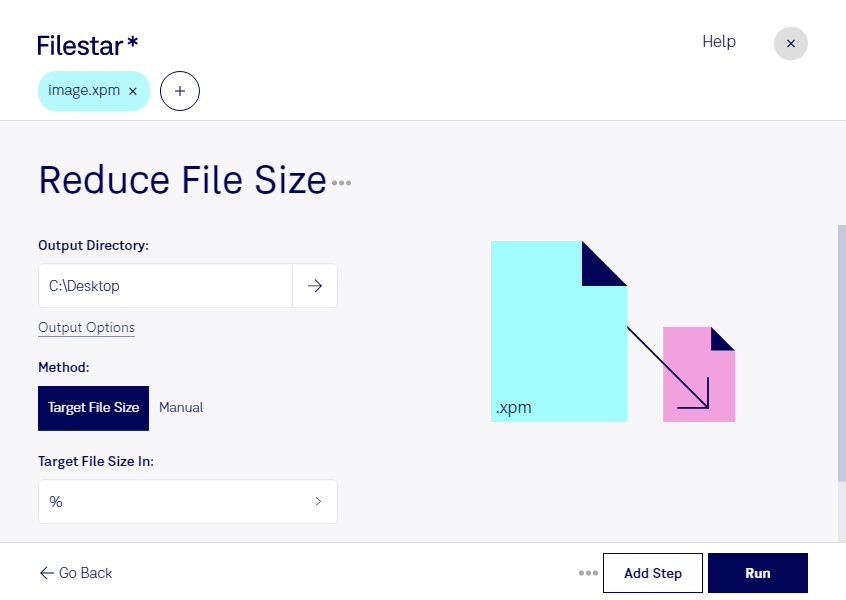
“Use Filestar to reduce XPM file size in my Downloads folder”
Or run it yourself:
filestarcli -i photo.xpm -c "reduce file size"
Runs on your computer, so your files stay on it. Works on Windows, macOS and Linux. 50 free conversions with the npm install, no account needed.
Can my AI agent reduce XPM file size?
Yes. Install the Filestar CLI with npm install -g filestar and your agent can run filestarcli -i photo.xpm -c "reduce file size" on your computer, so your files stay on it.
The XPM (X11 Pixmap Graphic) file format is a plain text file format used to store pixmap images, which are pixel-based graphics. It is designed for use with the X Window System, commonly used in Unix and Linux environments. XPM files define images in a structured format, using ASCII text to describe each pixel's color and location within the image. This format supports both monochrome and color images and allows for the definition of custom color palettes.