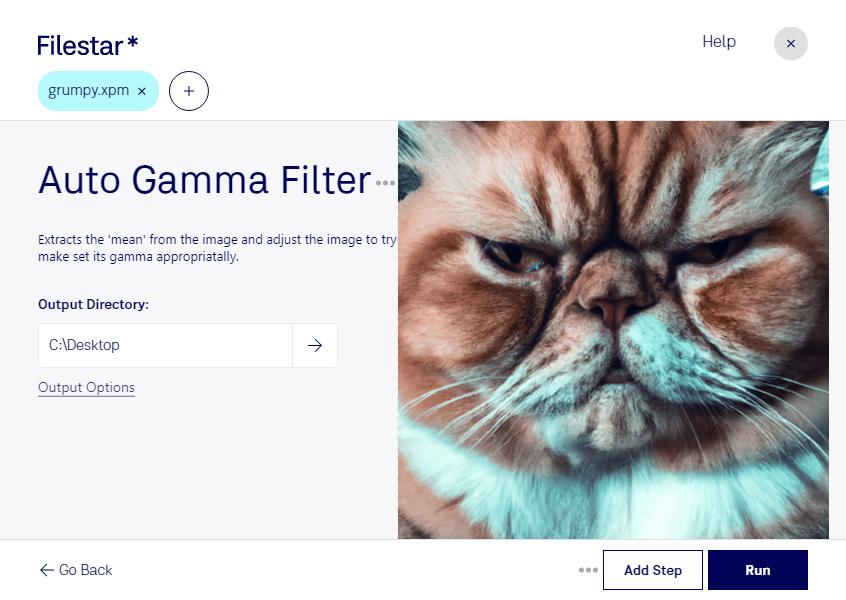
“Use Filestar to auto gamma XPM filter in my Downloads folder”
Or run it yourself:
filestarcli -i photo.xpm -c "auto gamma filter"
Runs on your computer, so your files stay on it. Works on Windows, macOS and Linux. 50 free conversions with the npm install, no account needed.
Can my AI agent auto gamma XPM filter?
Yes. Install the Filestar CLI with npm install -g filestar and your agent can run filestarcli -i photo.xpm -c "auto gamma filter" on your computer, so your files stay on it.
The XPM (X11 Pixmap Graphic) file format is a plain text file format used to store pixmap images, which are pixel-based graphics. It is designed for use with the X Window System, commonly used in Unix and Linux environments. XPM files define images in a structured format, using ASCII text to describe each pixel's color and location within the image. This format supports both monochrome and color images and allows for the definition of custom color palettes.