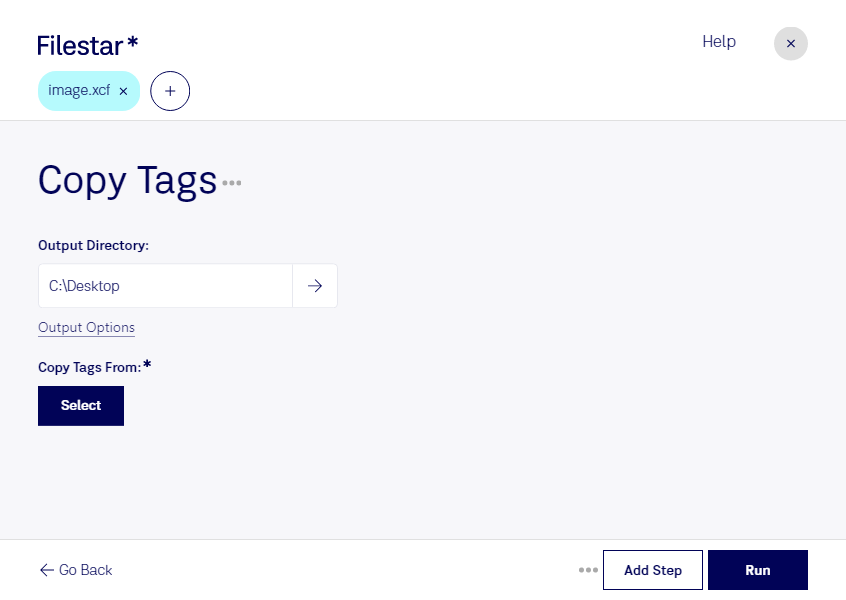
“Use Filestar to copy XCF tags in my Downloads folder”
Or run it yourself:
filestarcli -i photo.xcf -c "copy tags"
Runs on your computer, so your files stay on it. Works on Windows, macOS and Linux. 50 free conversions with the npm install, no account needed.
Can my AI agent copy XCF tags?
Yes. Install the Filestar CLI with npm install -g filestar and your agent can run filestarcli -i photo.xcf -c "copy tags" on your computer, so your files stay on it.
The XCF file format is the native image format used by GIMP (GNU Image Manipulation Program), a free and open-source raster graphics editor used for image editing, free-form drawing, converting between different image formats, and more specialized tasks. XCF stands for eXperimental Computing Facility, which was the name of the lab where GIMP was originally developed. XCF files are designed to store all the information that GIMP needs to accurately render an image.