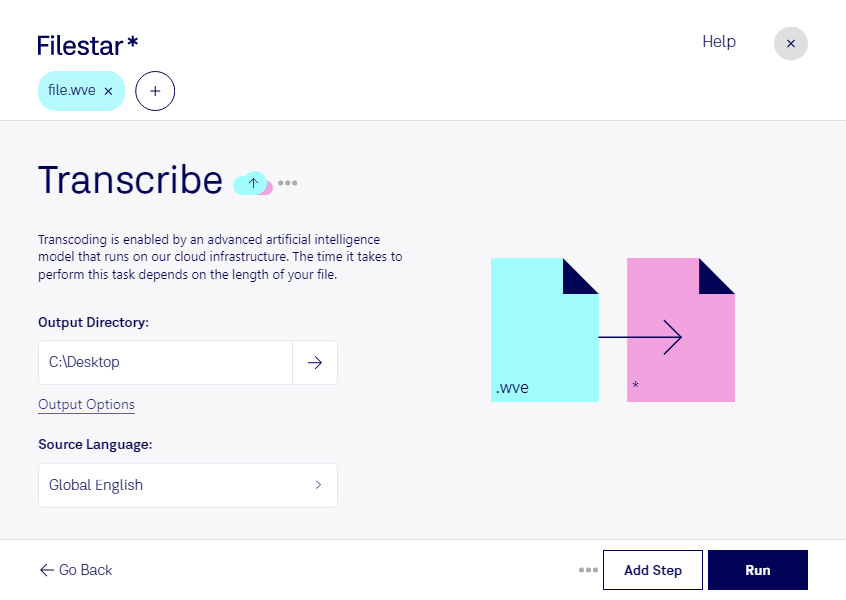
Are you looking for a reliable and efficient way to transcribe WVE audio files? Look no further than Filestar's file conversion and processing software. With our transcribe WVE feature, you can easily convert your Psion 8-bit A-law audio files into a more accessible format for transcription purposes.
One of the great benefits of using Filestar's software is that it allows for bulk and batch conversion operations. This means you can convert multiple WVE files at once, saving you time and effort. And with Filestar running on both Windows and OSX, you can use our software no matter what operating system you prefer.
Transcribe WVE is especially useful for professionals in a variety of industries. For example, journalists and researchers may need to transcribe interviews or recordings for their work. Medical professionals may need to transcribe patient notes or recordings. And legal professionals may need to transcribe court proceedings or depositions. Whatever your profession, if you work with audio files in the WVE format, Filestar's transcribe WVE software can make your job easier.
And when it comes to file security, converting and processing locally on your computer is always a safer option than using cloud-based services. With Filestar's software, you can rest assured that your files are not being uploaded to the internet and are kept safe on your own device.
Don't let WVE audio files slow you down. Try Filestar's transcribe WVE feature today and experience the benefits of efficient and reliable file conversion and processing. Get in touch with us to learn more.