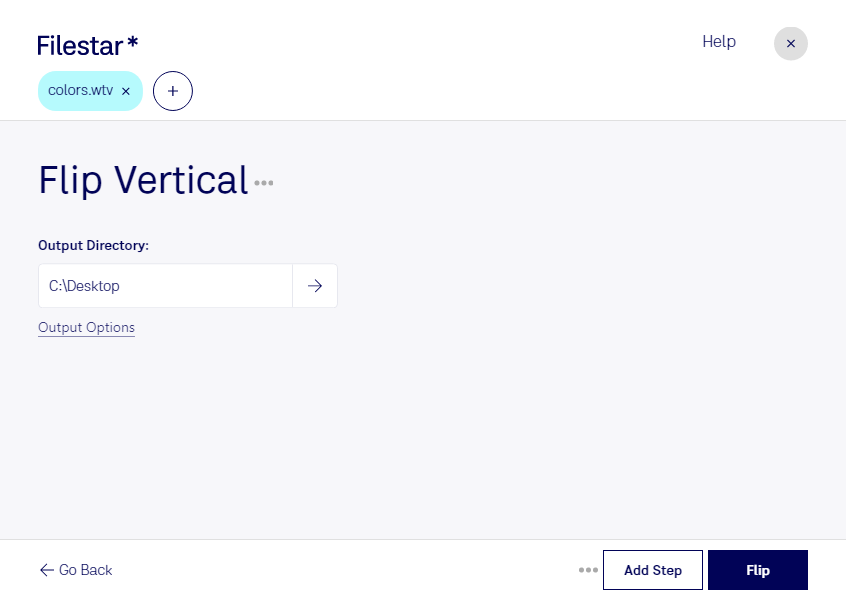
“Use Filestar to flip WTV vertical in my Downloads folder”
Or run it yourself:
filestarcli -i file.wtv -c "flip vertical"
Runs on your computer, so your files stay on it. Works on Windows, macOS and Linux. 50 free conversions with the npm install, no account needed.
Can my AI agent flip WTV vertical?
Yes. Install the Filestar CLI with npm install -g filestar and your agent can run filestarcli -i file.wtv -c "flip vertical" on your computer, so your files stay on it.
The WTV (Windows Recorded TV Show) file format is used by Microsoft's Windows Media Center to store TV recordings. Introduced with Windows 7 as a successor to the earlier DVR-MS format used by Windows XP Media Center Edition, WTV files allow users to record live television broadcasts or schedule recordings directly through their computers equipped with a compatible TV tuner card. These files encapsulate both the video and audio streams, along with metadata such as broadcast information and closed captions.