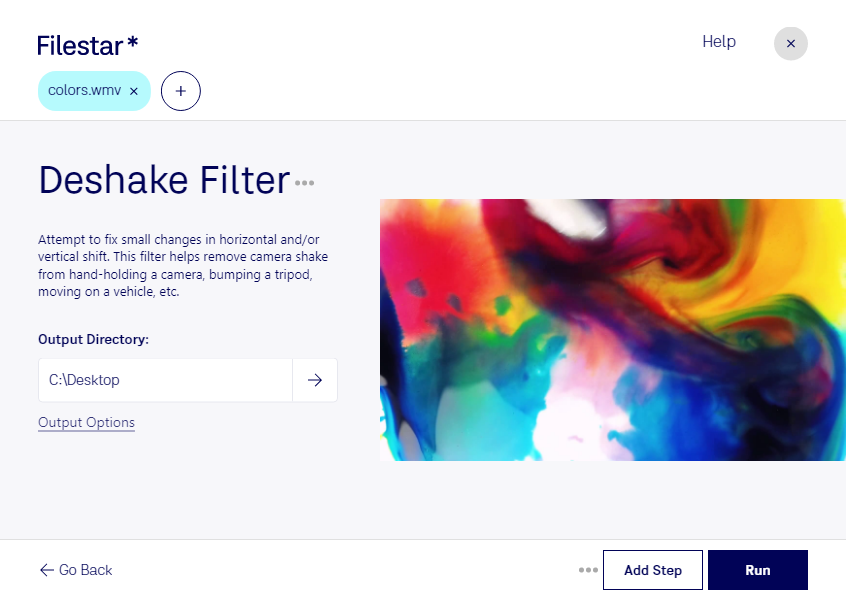
Are you tired of shaky videos ruining your professional work? Look no further than Deshake WMV Filter, available on Filestar. This powerful tool allows you to stabilize your WMV video files quickly and easily, without the need for an internet connection.
One of the best features of Deshake WMV Filter is its ability to perform bulk conversions and operations. This means you can process multiple videos at once, saving you valuable time and effort. And because Filestar runs on both Windows and OSX, you can use it no matter what operating system you prefer.
Professionals in a variety of industries can benefit from Deshake WMV Filter. For example, videographers who shoot weddings or events can use the software to stabilize footage and make it more enjoyable for their clients. Real estate agents can use Deshake WMV Filter to create smoother virtual tours of properties. And educators can use the software to produce high-quality educational videos for their students.
It's important to note that Deshake WMV Filter is a local converter and processor, meaning all file conversions and operations are performed on your own computer. This provides an added level of security, as your files are not being processed in the cloud. You can rest assured that your videos are safe and secure while using Deshake WMV Filter on Filestar.
In conclusion, if you're looking for a powerful tool to stabilize your WMV video files, look no further than Deshake WMV Filter on Filestar. With its bulk conversion capabilities, cross-platform compatibility, and local processing, it's the perfect solution for professionals in a variety of industries. Get in touch today to learn more!