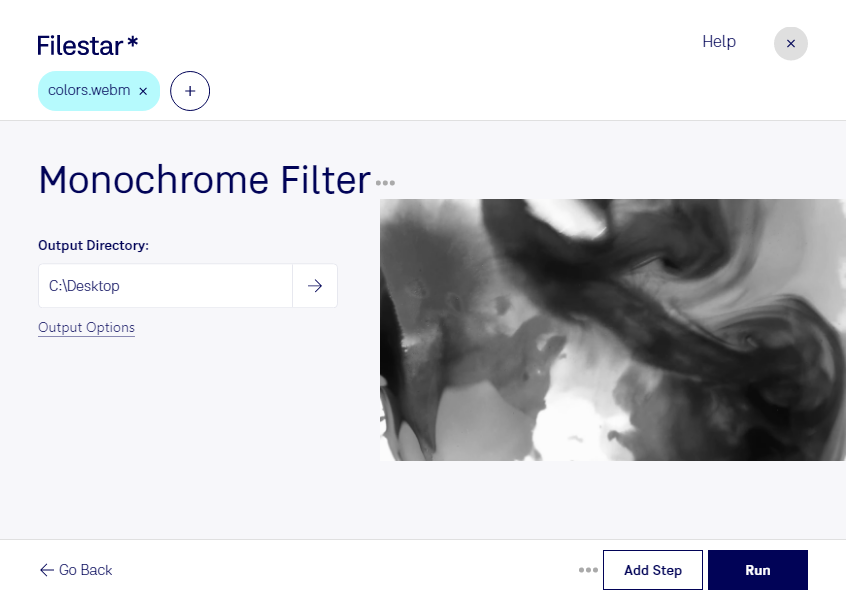
Are you a professional video editor searching for a reliable and safe software to convert and process your WebM videos? Look no further than Filestar's Monochrome WebM Filter. Our software allows for bulk conversion and operations, making it easy to process multiple videos at once.
Filestar runs on both Windows and OSX, providing a versatile solution for professionals in various industries. Whether you're a marketer creating video content for social media or a filmmaker putting together a feature-length movie, our Monochrome WebM Filter can help you achieve the desired look for your videos.
One of the benefits of using Filestar is the ability to convert and process your videos locally on your computer. This means you don't have to rely on cloud-based solutions that may compromise the safety of your files. With Filestar, you can rest assured that your videos are being processed securely on your own device.
In summary, if you're looking for a safe and efficient way to convert and process your WebM videos, Filestar's Monochrome WebM Filter is the perfect solution. Try it out today and experience the benefits of bulk conversion and local processing. Get in touch with our team to learn more.