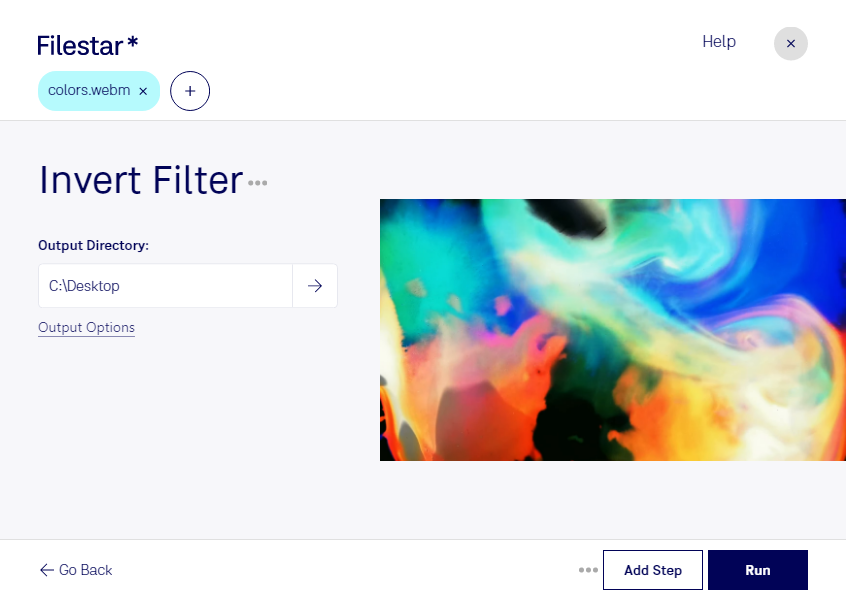
Are you looking for a way to invert colors on your WebM videos? Look no further than Filestar's Invert WebM Filter. This powerful software allows for bulk conversion and operations, making it easy to invert the colors on multiple videos at once.
Filestar is available on both Windows and OSX, so no matter what operating system you're using, you can take advantage of this powerful tool. And because the software runs locally on your computer, you don't have to worry about uploading your videos to the cloud and risking their security.
But who might find the Invert WebM Filter useful? Professionals in the video editing industry, for one. Inverting colors can be a powerful tool for creating unique and eye-catching videos, and with Filestar's batch processing capabilities, it's easy to apply the effect to multiple videos at once.
So if you're looking for a way to invert the colors on your WebM videos, give Filestar's Invert WebM Filter a try. With its powerful features and easy-to-use interface, it's the perfect tool for professionals and amateurs alike.