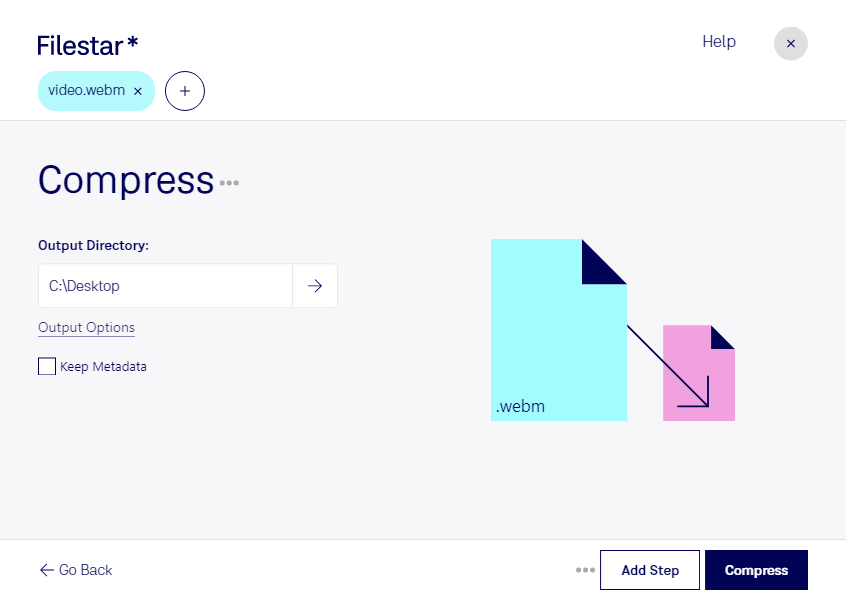
Are you tired of waiting for your WebM video files to upload to an online converter? With Filestar's compress WebM feature, you can process your files locally and securely on your own computer. Our software allows for bulk/batch conversion/operations, so you can compress multiple files at once, saving you time and hassle.
Whether you're a professional videographer or a social media influencer, compressing your WebM video files can be an essential task. By reducing the file size, you can easily share your videos online without sacrificing quality. For example, if you're a content creator on YouTube, compressing your video files can make it easier for your viewers to stream your content without buffering.
Filestar's compress WebM feature is perfect for professionals who need to work with large video files on a regular basis. For instance, if you're a video editor, you can use our software to compress your raw footage before editing, making the process smoother and more efficient. Or if you're a web developer, you can use our software to optimize your website's video content for faster load times.
One of the benefits of using Filestar's software is that all file conversions and processing are done locally on your computer, rather than in the cloud. This means that your files are more secure, as you don't have to worry about sensitive information being stored on a remote server. Plus, you don't need to have an internet connection to use our software, making it a convenient option for those who work from remote locations.
In conclusion, if you're looking for a secure and efficient way to compress your WebM video files, Filestar's software is the perfect solution. With the ability to process files locally and in bulk, our software is ideal for professionals who need to work with video files on a regular basis. Try it out today and see the difference for yourself!