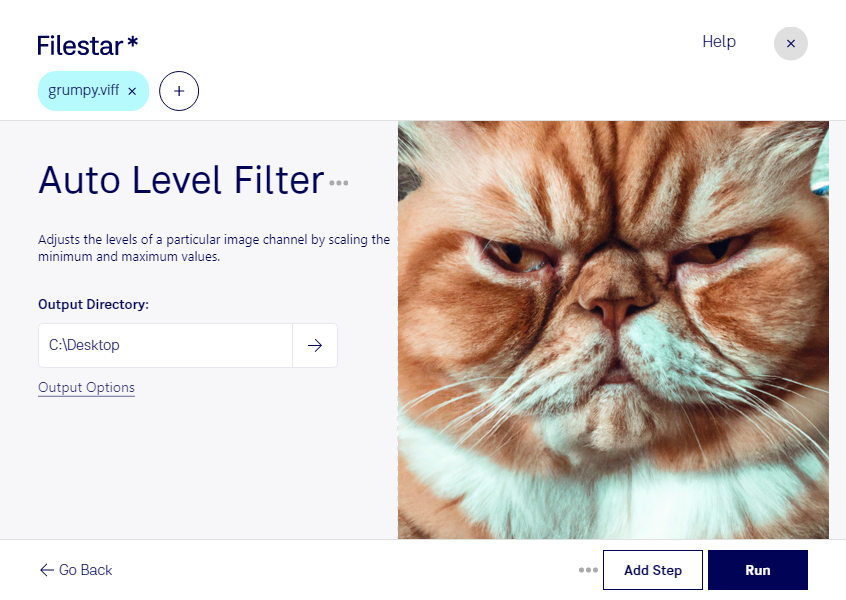
“Use Filestar to auto level VIFF filter in my Downloads folder”
Or run it yourself:
filestarcli -i photo.viff -c "auto level filter"
Runs on your computer, so your files stay on it. Works on Windows, macOS and Linux. 50 free conversions with the npm install, no account needed.
Can my AI agent auto level VIFF filter?
Yes. Install the Filestar CLI with npm install -g filestar and your agent can run filestarcli -i photo.viff -c "auto level filter" on your computer, so your files stay on it.
The Visualization Image File Format (VIFF) is a specialized file format designed for storing image data. It is primarily used in scientific and technical applications where complex visualization of multi-dimensional data is required. VIFF files can store various types of data including grayscale, color, and multi-spectral images, making them suitable for tasks such as image processing, medical imaging, and remote sensing. This format supports a range of metadata, allowing for the inclusion of information about the image data, such as dimensions and color.