Download and install the latest version of Filestar.
Right click on one or more Vicar file(s) on your desktop and select Convert with Filestar.
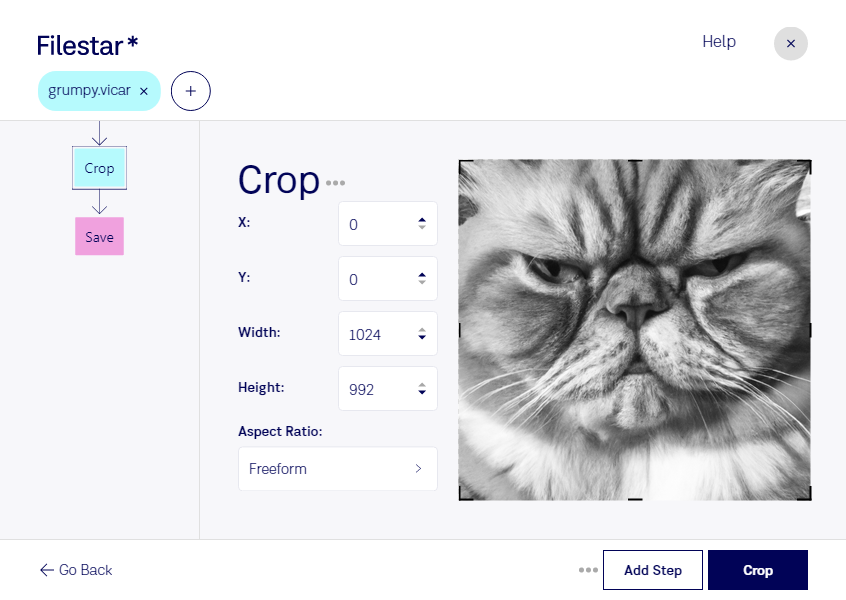
Type crop in the search box.
Press Crop.
Or let an AI agent do it: filestarcli -i file.vicar -c "crop" (how).
Let your AI agent crop VICAR
Claude Code, Codex, Cursor and other agents can do this on your computer with Filestar. Your files stay on your machine.
Install Filestar and add it to your agents:
npm install -g filestar
filestarcli agent install
Then ask your agent:
“Use Filestar to crop VICAR in my Downloads folder”
Or run it yourself:
filestarcli -i file.vicar -c "crop"
Runs on your computer, so your files stay on it. Works on Windows, macOS and Linux. 50 free conversions with the npm install, no account needed.
Can my AI agent crop VICAR?
Yes. Install the Filestar CLI with npm install -g filestar and your agent can run filestarcli -i file.vicar -c "crop" on your computer, so your files stay on it.
The VICAR (Video Image Communication And Retrieval) Image file format is a flexible, image-processing and data format system used primarily by the planetary science community. Developed by NASA's Jet Propulsion Laboratory (JPL) for storing and managing digital images from space missions, VICAR files are designed to support a wide range of image types, including scientific and engineering data from various spacecraft instruments. This format is characterized by its ability to handle multi-dimensional arrays of data.