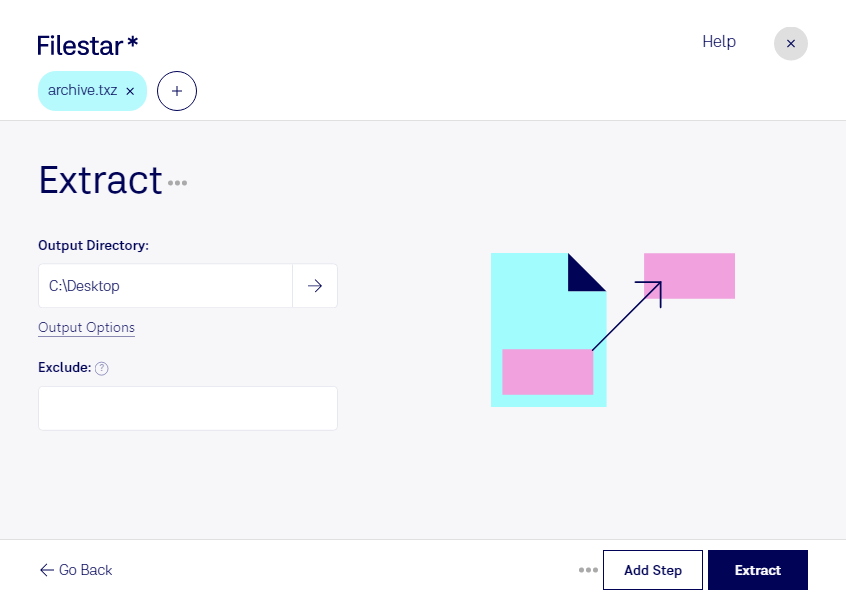
“Use Filestar to extract TXZ in my Downloads folder”
Or run it yourself:
filestarcli -i file.txz -c "extract"
Runs on your computer, so your files stay on it. Works on Windows, macOS and Linux. 50 free conversions with the npm install, no account needed.
Can my AI agent extract TXZ?
Yes. Install the Filestar CLI with npm install -g filestar and your agent can run filestarcli -i file.txz -c "extract" on your computer, so your files stay on it.
The TXZ file format is a combination of TAR archiving and XZ compression. It is used to pack multiple files into a single archive (TAR) and then compress it using XZ compression to reduce the file size. The TAR aspect allows for the collection of various files and directories into a single file, preserving their structure and attributes. The XZ compression, known for its high compression ratio, further compresses this archive, making the resulting TXZ file more efficient for storage or transmission.