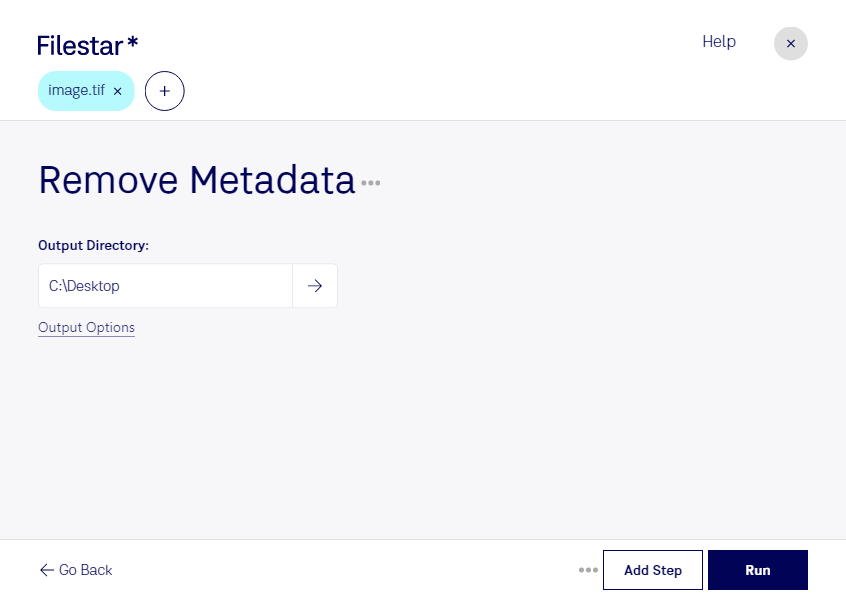
Are you looking for a reliable tool to remove metadata from your TIF files? Look no further than Filestar. Our software offers a simple and efficient way to batch process your files, including removing metadata from TIF files.
Filestar runs on both Windows and OSX, allowing you to process your files locally without the need for an internet connection. This ensures your files remain secure and protected, as there is no need to upload them to the cloud.
But why would you need to remove metadata from your TIF files? Well, there are many professional scenarios where this can be useful. For example, if you work in the legal or medical industry, you may need to remove metadata from TIF files to protect sensitive information. Or, if you are a photographer, you may want to remove metadata from TIF files before sharing them online to protect your copyright.
With Filestar, you can easily remove metadata from your TIF files in just a few clicks. Our batch conversion tool allows you to process multiple files at once, saving you time and effort. Plus, our software is designed to be user-friendly, so even if you're not a tech expert, you can still use it with ease.
So, what are you waiting for? Download Filestar today and start removing metadata from your TIF files with ease.