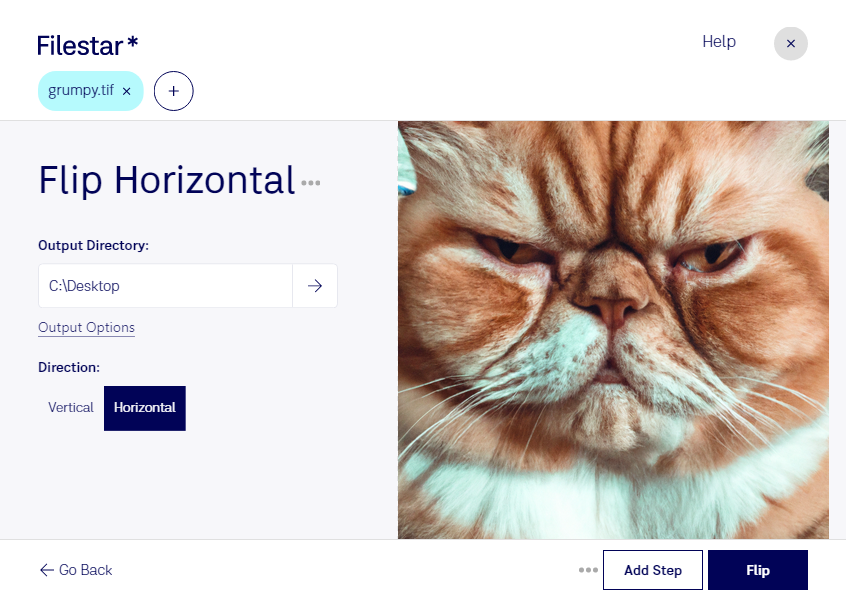
Are you tired of manually flipping TIF images one by one? With Filestar's flip TIF horizontal feature, you can quickly and easily flip multiple TIF images at once. Our software allows for bulk conversions and operations, saving you time and effort.
Filestar is compatible with both Windows and OSX, so no matter your operating system, you can take advantage of our flip TIF horizontal feature. And because our software is not cloud-based, you can convert and process files locally on your computer, ensuring added safety and security.
Professionals in various industries can benefit from our flip TIF horizontal feature. For example, photographers can quickly flip images to achieve the desired composition, while graphic designers can use it to create unique designs. Architects and engineers can also use this feature to flip plans and diagrams for better visualization.
Don't waste any more time flipping TIF images one by one. Try Filestar's flip TIF horizontal feature today and experience the convenience of bulk conversions. Get in touch with us to learn more about our software and how it can benefit your workflow.