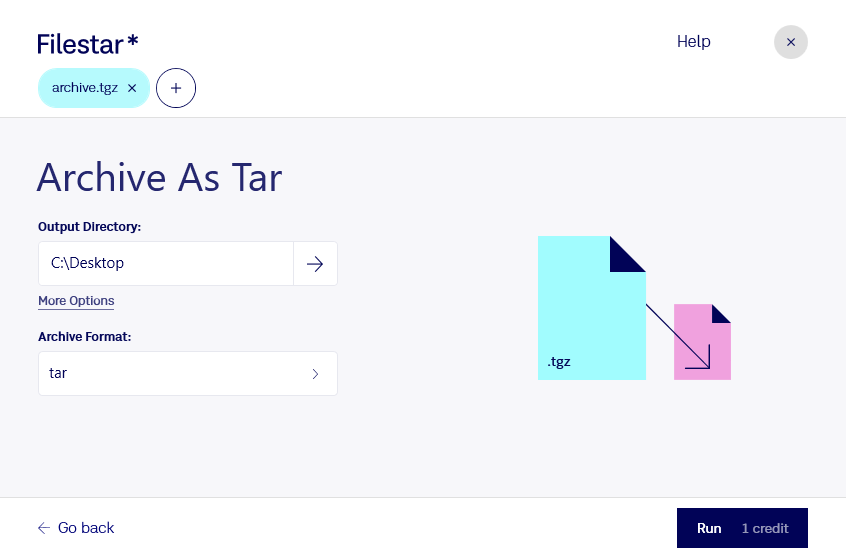
“Use Filestar to archive TGZ as tar in my Downloads folder”
Or run it yourself:
filestarcli -i file.tgz -c "archive as tar"
Runs on your computer, so your files stay on it. Works on Windows, macOS and Linux. 50 free conversions with the npm install, no account needed.
Can my AI agent archive TGZ as tar?
Yes. Install the Filestar CLI with npm install -g filestar and your agent can run filestarcli -i file.tgz -c "archive as tar" on your computer, so your files stay on it.
Unix .TAR file archive compressed with Gnu Zip (.GZIP) compression; uses a TAR archive to bundle the files together and Gzip compression to reduce the file size; commonly used on Unix and Linux systems; originally created as the shorthand version of the compound extension .TAR.GZ.