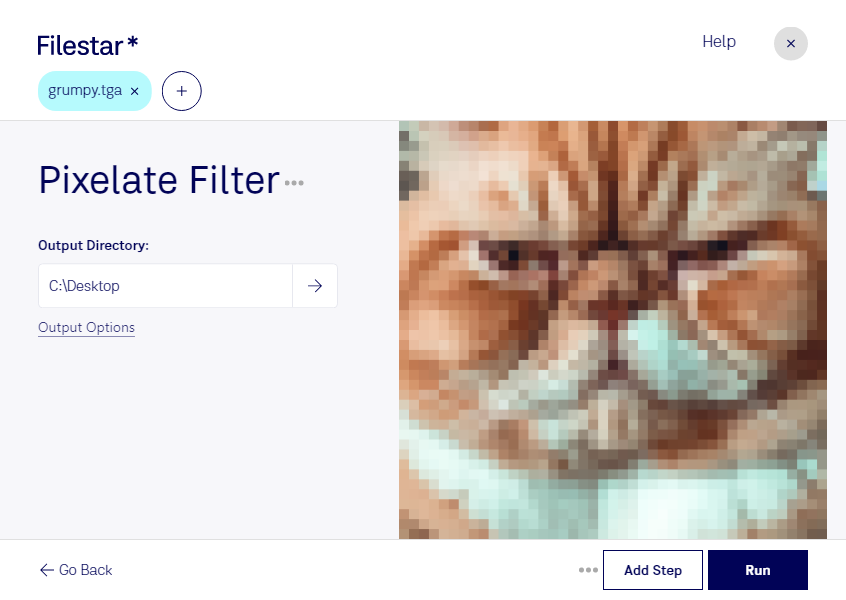
“Use Filestar to pixelate TGA filter in my Downloads folder”
Or run it yourself:
filestarcli -i photo.tga -c "pixelate filter"
Runs on your computer, so your files stay on it. Works on Windows, macOS and Linux. 50 free conversions with the npm install, no account needed.
Can my AI agent pixelate TGA filter?
Yes. Install the Filestar CLI with npm install -g filestar and your agent can run filestarcli -i photo.tga -c "pixelate filter" on your computer, so your files stay on it.
A TGA file is a file saved in the raster graphic format designed by Truevision. It supports 8, 16, 24, or 32 bits per pixel at a maximum of 24 bits for RGB colors and and 8-bit alpha channel. TGA files are often used to store texture files referenced by 3D video games.