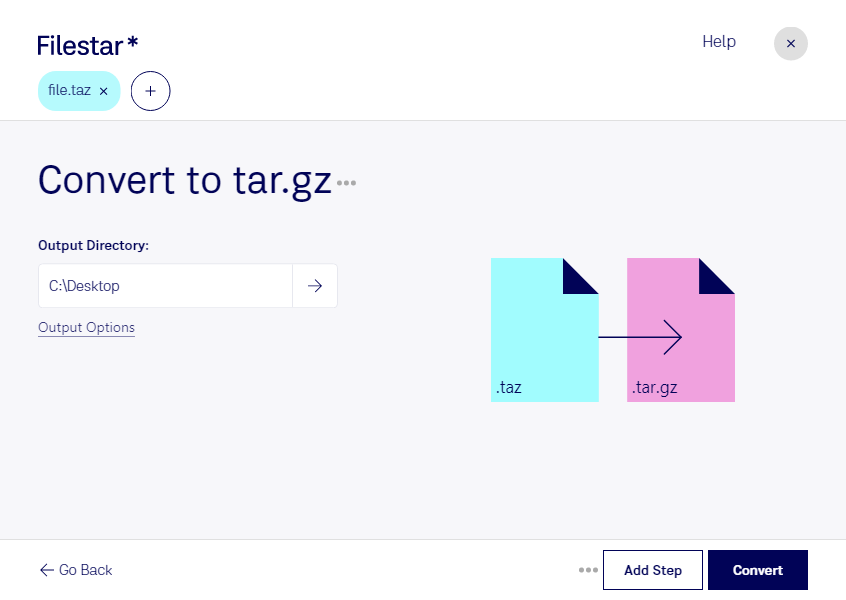
“Convert the TAZ files in my Downloads folder to TAR.GZ”
Or run it yourself:
filestarcli -i file.taz -c "convert to tar.gz"
Runs on your computer, so your files stay on it. Works on Windows, macOS and Linux. 50 free conversions with the npm install, no account needed.
Can my AI agent convert TAZ to TAR.GZ?
Yes. Install the Filestar CLI with npm install -g filestar and your agent can run filestarcli -i file.taz -c "convert to tar.gz" on your computer, so your files stay on it.
A TAZ file is essentially a compressed archive created using the Unix-based Tar archiving utility, with compression applied through the compress program. The "tar" part of the filename stands for "tape archive," reflecting the utility's origins in backing up data to tape drives, while the "z" indicates that the archive has been compressed using the Lempel-Ziv (LZ) algorithm to reduce its size.
It's a TAR archive file compressed using GNU zip compression codec. Mainly used by Linux OS to package programs, files, and installers.