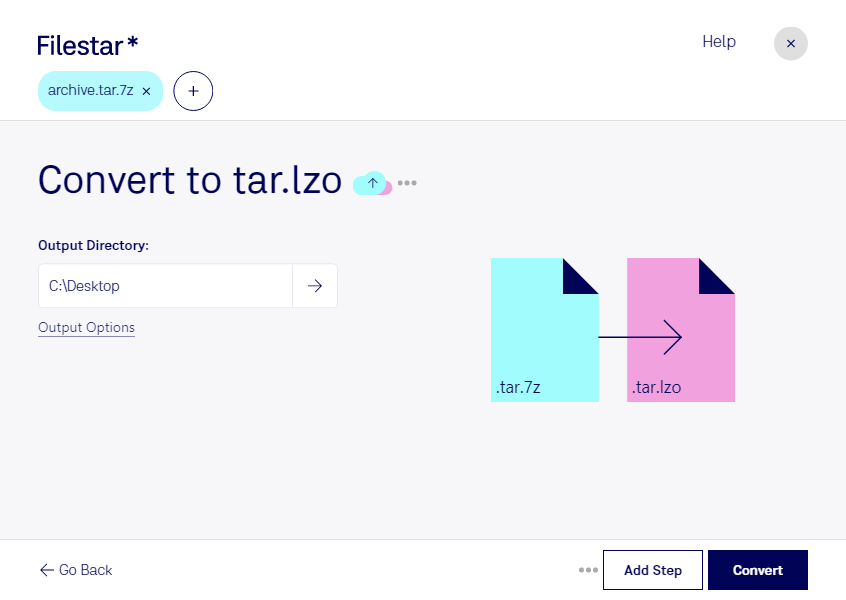
Convert tar.7z to tar.lzo

  1. Download and install the latest version of Filestar.

  2. Right click on one or more Tar.7z file(s) on your desktop and select Convert with Filestar.

  3. Type convert to tar.lzo in the search box.

  4. Press Convert.

Or let an AI agent do it: filestarcli -i file.tar.7z -c "convert to tar.lzo" (how).

convert tar.7z to tar.lzo

Let your AI agent convert TAR.7Z to TAR.LZO

Claude Code, Codex, Cursor and other agents can do this with Filestar. This skill runs in Filestar's cloud and needs a paid Filestar plan.

Install Filestar and add it to your agents:

npm install -g filestar
filestarcli agent install

Then ask your agent:

“Convert the TAR.7Z files in my Downloads folder to TAR.LZO”

Or run it yourself:

filestarcli -i file.tar.7z -c "convert to tar.lzo"

Runs in Filestar's cloud and needs a Filestar plan.

Can my AI agent convert TAR.7Z to TAR.LZO?

Yes, with a paid Filestar plan: this skill runs in Filestar's cloud. Install the Filestar CLI with npm install -g filestar and your agent can run filestarcli -i file.tar.7z -c "convert to tar.lzo".

Using Filestar With AI Agents · Download SKILL.md

What is the difference between .tar.7z and .tar.lzo?

Extension
.tar.7z
.tar.lzo
Format
Binary
Binary
Category
Compressed
Compressed
Developer
Igor Pavlov
Markus F.X.J. Oberhumer
Description
This format works based on the LZMA principle compression algorithm. It was originally used in 7-Zip archives. tar.7z archives were created for storing info about file owners and for ease of use in Unix systems, based on a TAR archiving tool.
Lzop is a file compressor very similar to gzip. lzop favors speed over compression ratio.
MIME Type
application/x-7z-compressed
application/x-lzop-compressed-tar

Convert Tar.7z To Tar.lzo Today

Get started within minutes