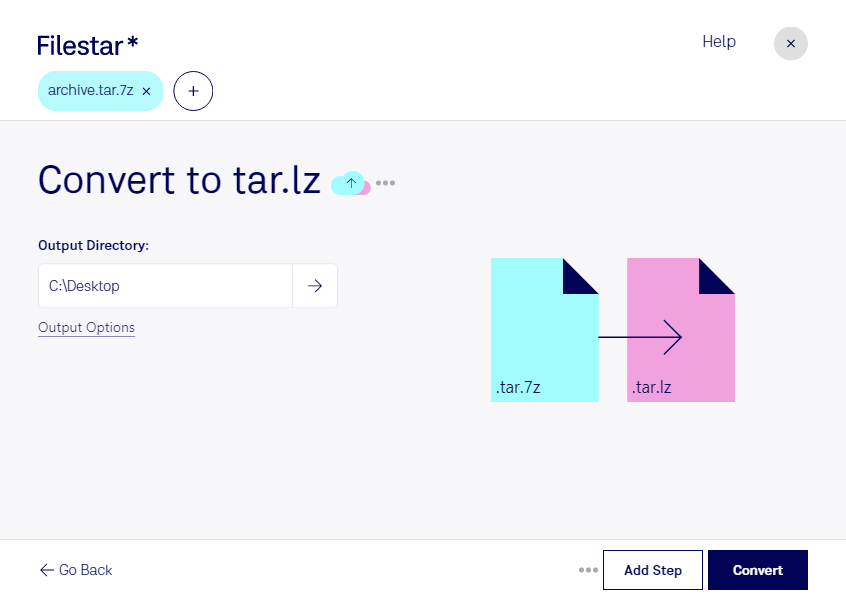
“Convert the TAR.7Z files in my Downloads folder to TAR.LZ”
Or run it yourself:
filestarcli -i file.tar.7z -c "convert to tar.lz"
Runs in Filestar's cloud and needs a Filestar plan.
Can my AI agent convert TAR.7Z to TAR.LZ?
Yes, with a paid Filestar plan: this skill runs in Filestar's cloud. Install the Filestar CLI with npm install -g filestar and your agent can run filestarcli -i file.tar.7z -c "convert to tar.lz".
This format works based on the LZMA principle compression algorithm. It was originally used in 7-Zip archives. tar.7z archives were created for storing info about file owners and for ease of use in Unix systems, based on a TAR archiving tool.
"Tarball" (.TAR file) compressed with Lzip, a lossless data compressor based on the LZMA (Lempel-Ziv-Markov chain) algorithm, and therefore uses the compound file extension ".tar.lz;" often used for distributing linux software packages.