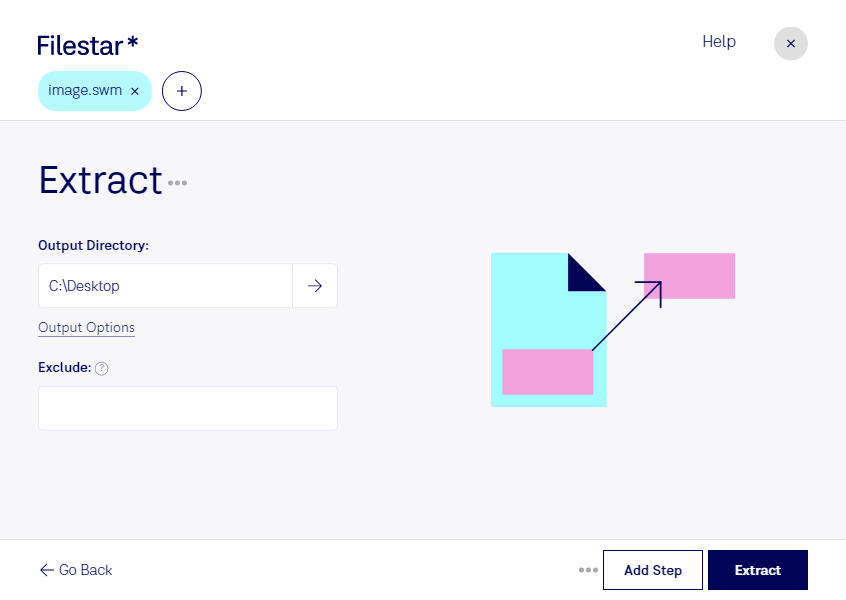
“Use Filestar to extract SWM in my Downloads folder”
Or run it yourself:
filestarcli -i photo.swm -c "extract"
Runs on your computer, so your files stay on it. Works on Windows, macOS and Linux. 50 free conversions with the npm install, no account needed.
Can my AI agent extract SWM?
Yes. Install the Filestar CLI with npm install -g filestar and your agent can run filestarcli -i photo.swm -c "extract" on your computer, so your files stay on it.
The SWM file format, or Split Windows Imaging Format File, is a type of disk image file used by Microsoft Windows for system deployment, backup, and recovery purposes. It is essentially a variation of the WIM (Windows Imaging Format) file, but with a key difference: it is split into multiple smaller files, rather than being a single large file. This splitting feature makes SWM files particularly useful for distributing a large system image across multiple storage media, such as DVDs or USB drives.