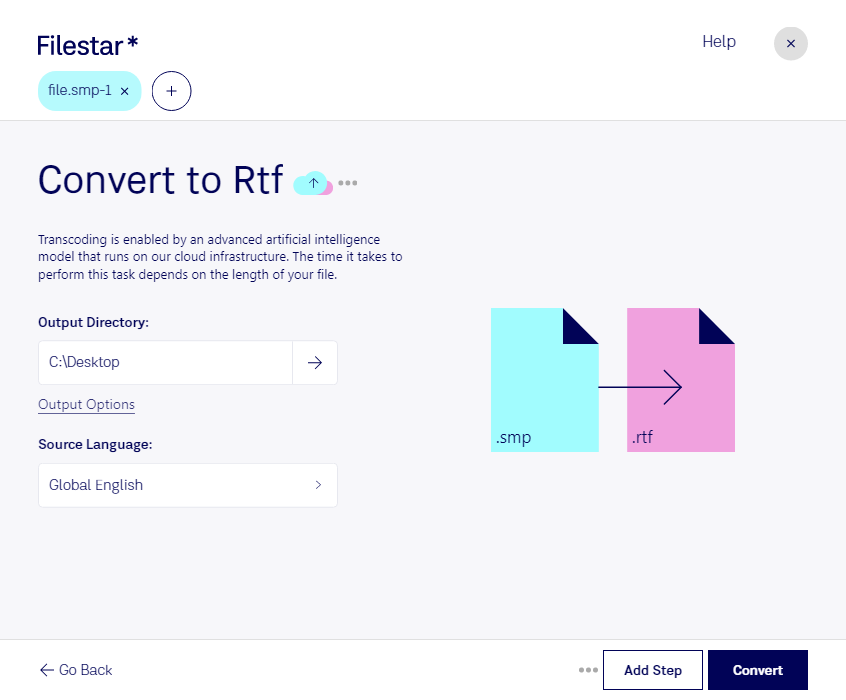
“Convert the SMP Audio File files in my Downloads folder to RTF”
Or run it yourself:
filestarcli -i file.smp -c "convert to rtf"
Runs on your computer, so your files stay on it. Works on Windows, macOS and Linux. 50 free conversions with the npm install, no account needed.
Can my AI agent convert SMP Audio File to RTF?
Yes. Install the Filestar CLI with npm install -g filestar and your agent can run filestarcli -i file.smp -c "convert to rtf" on your computer, so your files stay on it.
SMP Audio Files are audio files created with the Syntrillium Software's Cool Edit Pro. They are used to store audio recordings in a format that enables the user to edit the audio data in a variety of ways. The SMP format supports up to 16-bit, stereo audio and can have a sample rate of up to 44.1kHz.
An RTF file is a common text file format that supports "rich text." It includes several types of text formatting, such as bold type, italics, different fonts and font sizes, and custom tab settings. RTF files also support objects and images, such as .JPG and .PNG files, saved within the text file.