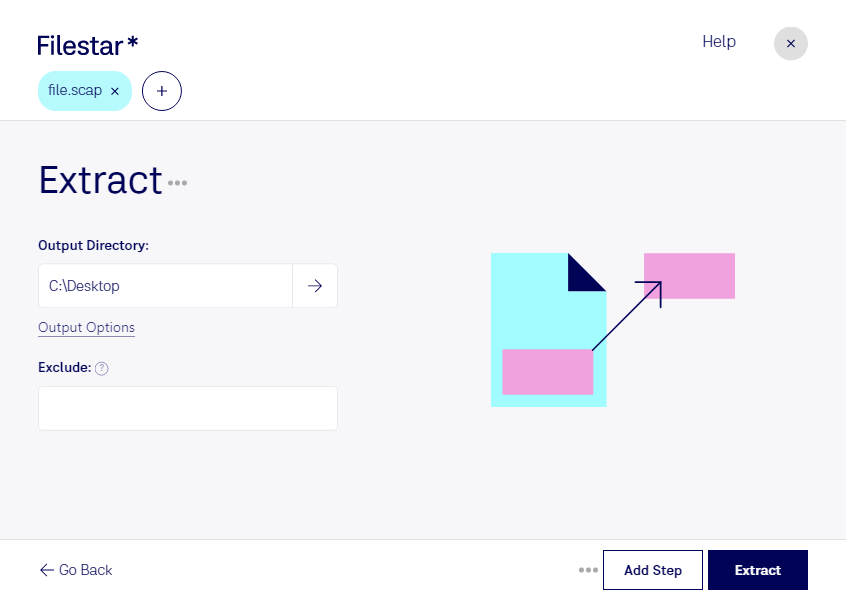
“Use Filestar to extract SCAP in my Downloads folder”
Or run it yourself:
filestarcli -i file.scap -c "extract"
Runs on your computer, so your files stay on it. Works on Windows, macOS and Linux. 50 free conversions with the npm install, no account needed.
Can my AI agent extract SCAP?
Yes. Install the Filestar CLI with npm install -g filestar and your agent can run filestarcli -i file.scap -c "extract" on your computer, so your files stay on it.
The SCAP file format (.scap) is associated with EFI (Extensible Firmware Interface), which is a specification designed to replace the older BIOS firmware interface used by most computers. The EFI firmware is responsible for booting up the system, and it provides a more modern, flexible, and secure way of managing the boot process compared to traditional BIOS. An SCAP file is essentially an EFI Firmware File that contains firmware update information or data intended for the EFI environment.