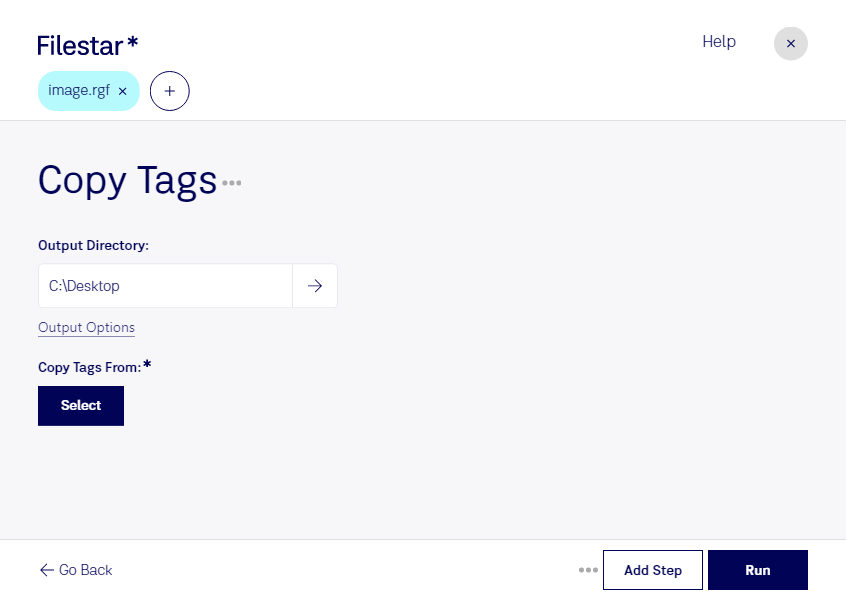
“Use Filestar to copy RGF tags in my Downloads folder”
Or run it yourself:
filestarcli -i photo.rgf -c "copy tags"
Runs on your computer, so your files stay on it. Works on Windows, macOS and Linux. 50 free conversions with the npm install, no account needed.
Can my AI agent copy RGF tags?
Yes. Install the Filestar CLI with npm install -g filestar and your agent can run filestarcli -i photo.rgf -c "copy tags" on your computer, so your files stay on it.
The LEGO Mindstorms EV3 Robot Graphics File (RGF) is a proprietary binary file format used by the LEGO Mindstorms EV3 software to store robot graphic models. It is a vector-based file format that stores information such as the robot's 3D geometry, color and other visual properties, as well as the model's connection points, used for connecting with other LEGO elements.