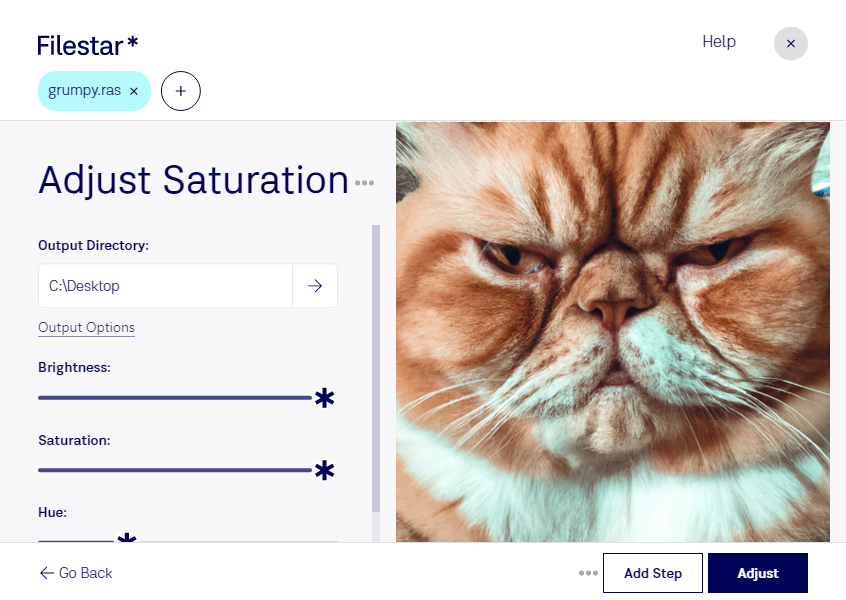
“Use Filestar to adjust RAS saturation in my Downloads folder”
Or run it yourself:
filestarcli -i photo.ras -c "adjust saturation"
Runs on your computer, so your files stay on it. Works on Windows, macOS and Linux. 50 free conversions with the npm install, no account needed.
Can my AI agent adjust RAS saturation?
Yes. Install the Filestar CLI with npm install -g filestar and your agent can run filestarcli -i photo.ras -c "adjust saturation" on your computer, so your files stay on it.
Originally used on the Sun Microsystems computers, RAS is a raster image format that displays bitmap images. It is popularly used for specific types of research projects and it can be developed in Unix OS as well. It supports 1 and 32-bits per pixel and used RLE compression codec.