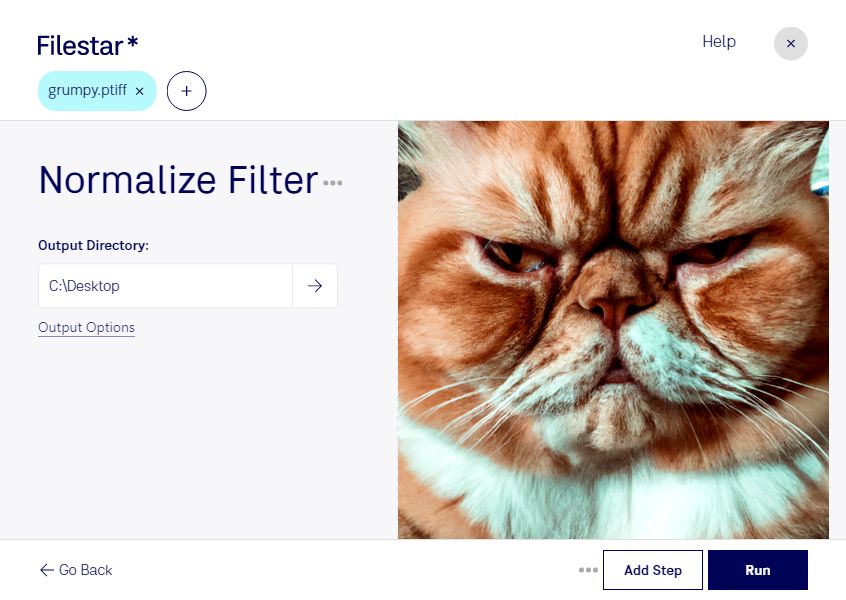
“Use Filestar to normalize PTIFF filter in my Downloads folder”
Or run it yourself:
filestarcli -i photo.ptiff -c "normalize filter"
Runs on your computer, so your files stay on it. Works on Windows, macOS and Linux. 50 free conversions with the npm install, no account needed.
Can my AI agent normalize PTIFF filter?
Yes. Install the Filestar CLI with npm install -g filestar and your agent can run filestarcli -i photo.ptiff -c "normalize filter" on your computer, so your files stay on it.
Ptiff is a type of image file that is created by compressing a TIFF (Tagged Image File Format) image using a wavelet-based encoding, known as pyramidal encoding. This type of file can store both lossy and lossless compressed images and is often used for storing large-scale images such as aerial photographs or medical images.