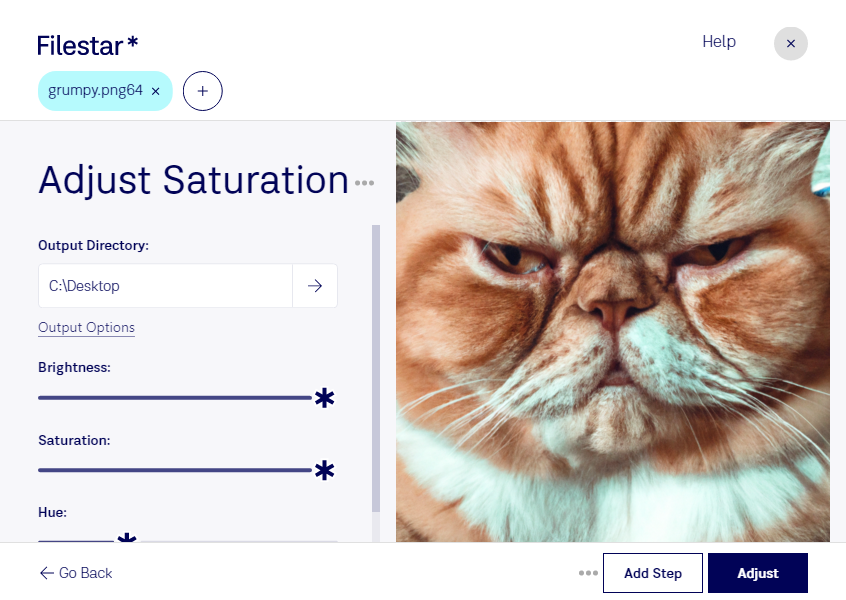
“Use Filestar to adjust PNG64 saturation in my Downloads folder”
Or run it yourself:
filestarcli -i photo.png64 -c "adjust saturation"
Runs on your computer, so your files stay on it. Works on Windows, macOS and Linux. 50 free conversions with the npm install, no account needed.
Can my AI agent adjust PNG64 saturation?
Yes. Install the Filestar CLI with npm install -g filestar and your agent can run filestarcli -i photo.png64 -c "adjust saturation" on your computer, so your files stay on it.
A PNG file is an image file stored in the Portable Network Graphic (PNG) format. It contains a bitmap of indexed colors and uses lossless compression, similar to a .GIF file but without copyright limitations. PNG files are commonly used to store graphics for web images.