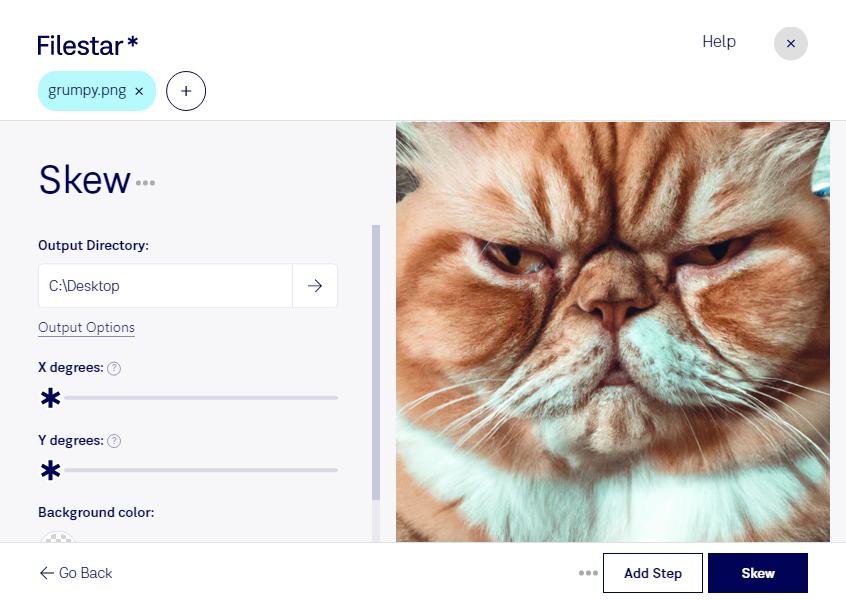
Skew png

  1. Download and install the latest version of Filestar.

  2. Right click on one or more Png file(s) on your desktop and select Convert with Filestar.

  3. Type skew in the search box.

  4. Press Skew.

Or let an AI agent do it: filestarcli -i photo.png -c "skew" (how).

skew png

Let your AI agent skew PNG

Claude Code, Codex, Cursor and other agents can do this on your computer with Filestar. Your files stay on your machine.

Install Filestar and add it to your agents:

npm install -g filestar
filestarcli agent install

Then ask your agent:

“Use Filestar to skew PNG in my Downloads folder”

Or run it yourself:

filestarcli -i photo.png -c "skew"

Runs on your computer, so your files stay on it. Works on Windows, macOS and Linux. 50 free conversions with the npm install, no account needed.

Can my AI agent skew PNG?

Yes. Install the Filestar CLI with npm install -g filestar and your agent can run filestarcli -i photo.png -c "skew" on your computer, so your files stay on it.

Using Filestar With AI Agents · Download SKILL.md

What is .png?

Extension
.png
Format
Binary
Category
Raster Image
Developer
PNG Development Group
Description
A PNG file is an image file stored in the Portable Network Graphic (PNG) format. It contains a bitmap of indexed colors and uses lossless compression, similar to a .GIF file but without copyright limitations. PNG files are commonly used to store graphics for web images.
MIME Type
image/png

Skew Png Today

Get started within minutes

Are you tired of manually adjusting the skew of your PNG files? Look no further than Filestar's skew PNG conversion and processing software. Our user-friendly software allows for bulk operations, saving you valuable time and effort.

Whether you're a graphic designer, photographer, or work in any other profession that requires precise image editing, our skew PNG tool is the perfect solution. With just a few clicks, you can easily adjust the skew of multiple PNG files at once, ensuring that your images are perfectly aligned.

One of the best things about Filestar's skew PNG software is that it runs locally on your computer. This means that you don't have to worry about your files being processed in the cloud, where they may be vulnerable to security breaches. With our software, you can rest assured that your files are safe and secure.

Filestar's skew PNG software is available for both Windows and OSX, making it accessible to a wide range of users. Whether you're working on a PC or a Mac, our software is easy to install and use.

In conclusion, if you're looking for a reliable and efficient way to adjust the skew of your PNG files, look no further than Filestar's skew PNG conversion and processing software. With our bulk operations and local processing, you can get the job done quickly and safely. Contact us today to learn more!