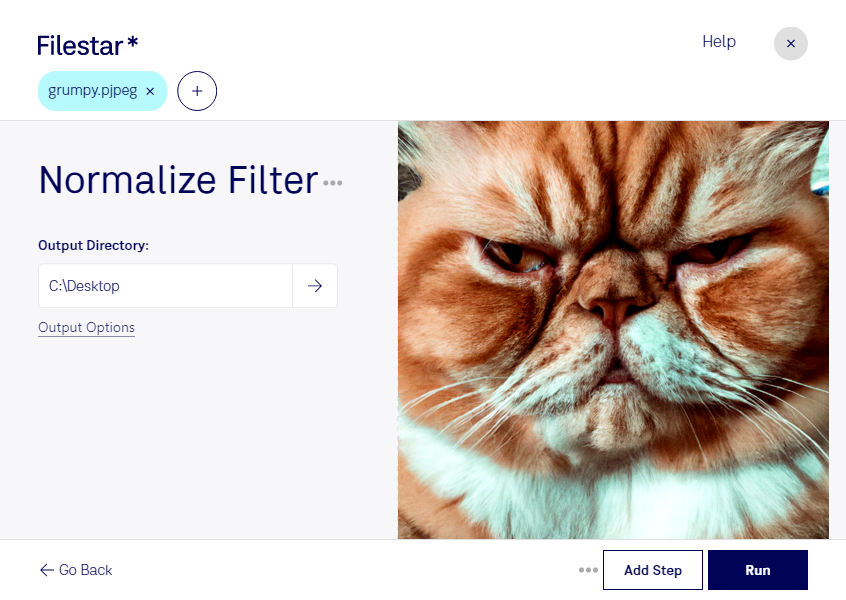
“Use Filestar to normalize PJPEG filter in my Downloads folder”
Or run it yourself:
filestarcli -i photo.pjpeg -c "normalize filter"
Runs on your computer, so your files stay on it. Works on Windows, macOS and Linux. 50 free conversions with the npm install, no account needed.
Can my AI agent normalize PJPEG filter?
Yes. Install the Filestar CLI with npm install -g filestar and your agent can run filestarcli -i photo.pjpeg -c "normalize filter" on your computer, so your files stay on it.
A PJPEG file is a bitmap image created in the Progressive JPEG format (PJPEG). It contains encoded bitmap data so that the downloaded image appears progressively from a blurry picture to the final sharp image. PJPEG files may also fill alternating horizontal lines until the full picture is revealed.