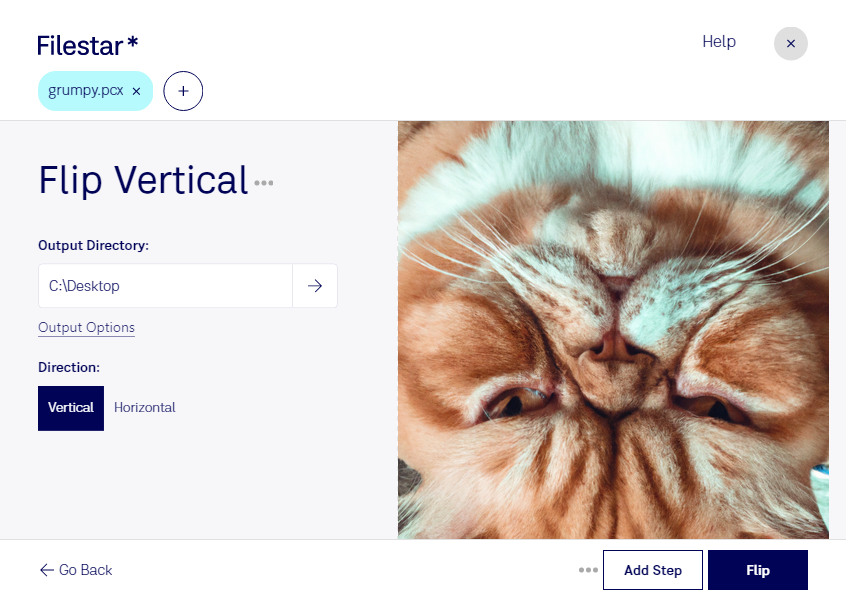
“Use Filestar to flip PCX vertical in my Downloads folder”
Or run it yourself:
filestarcli -i photo.pcx -c "flip vertical"
Runs on your computer, so your files stay on it. Works on Windows, macOS and Linux. 50 free conversions with the npm install, no account needed.
Can my AI agent flip PCX vertical?
Yes. Install the Filestar CLI with npm install -g filestar and your agent can run filestarcli -i photo.pcx -c "flip vertical" on your computer, so your files stay on it.
PCX, standing for Paintbrush Bitmap Image, is a raster image format developed by ZSoft Corporation for their PC Paintbrush graphics program. Initially released in the 1980s, PCX was one of the first widely used bitmap image formats on IBM PC compatible computers. The format supports 1-bit monochrome, 4-bit palette, 8-bit palette, and 24-bit true color images, allowing for a wide range of colors and shades.