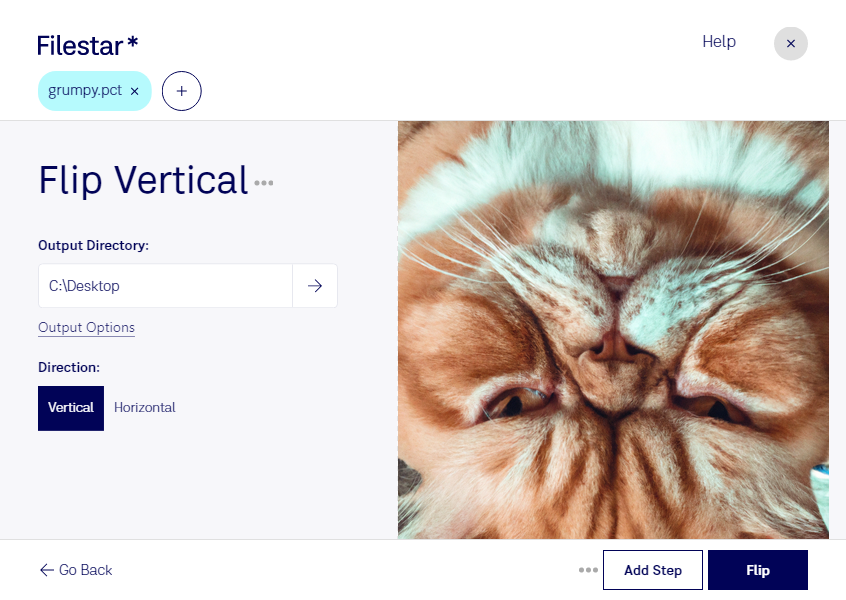
“Use Filestar to flip PCT vertical in my Downloads folder”
Or run it yourself:
filestarcli -i photo.pct -c "flip vertical"
Runs on your computer, so your files stay on it. Works on Windows, macOS and Linux. 50 free conversions with the npm install, no account needed.
Can my AI agent flip PCT vertical?
Yes. Install the Filestar CLI with npm install -g filestar and your agent can run filestarcli -i photo.pct -c "flip vertical" on your computer, so your files stay on it.
A PCT file is an image saved in the Macintosh PICT format, which was developed by Apple in 1984 for storing images using Apple QuickDraw technology. It contains image data in one of two formats, PICT 1, the original format that stores 8 colors, or PICT 2, a newer format that allows thousands of colors (24 and 32-bit images). PCT files support both raster and vector images.