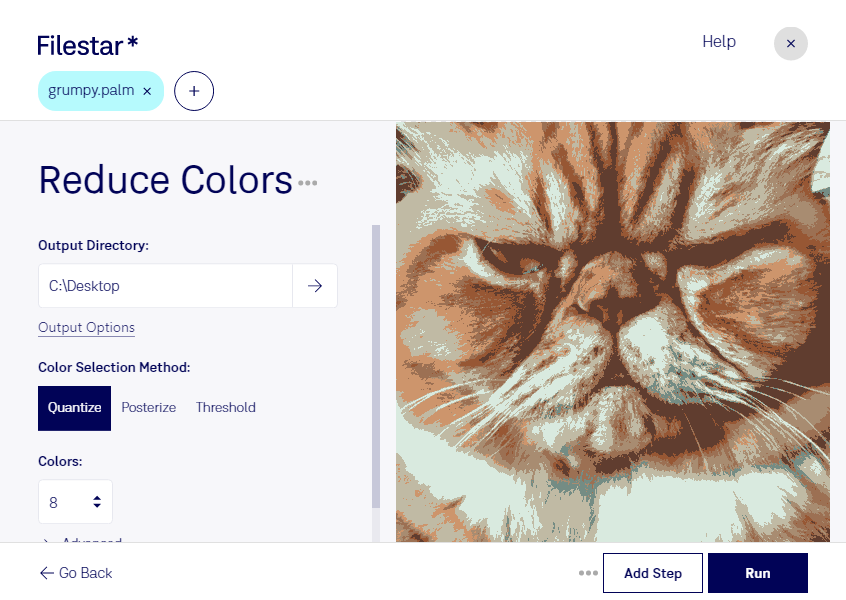
“Use Filestar to reduce PALM colors in my Downloads folder”
Or run it yourself:
filestarcli -i photo.palm -c "reduce colors"
Runs on your computer, so your files stay on it. Works on Windows, macOS and Linux. 50 free conversions with the npm install, no account needed.
Can my AI agent reduce PALM colors?
Yes. Install the Filestar CLI with npm install -g filestar and your agent can run filestarcli -i photo.palm -c "reduce colors" on your computer, so your files stay on it.
This format is used for storing bitmap images. It supports many different file types and compression algorithms. One Palm bitmap file can contain multiple versions of the same images with different colors. These files are used on PALM devices.