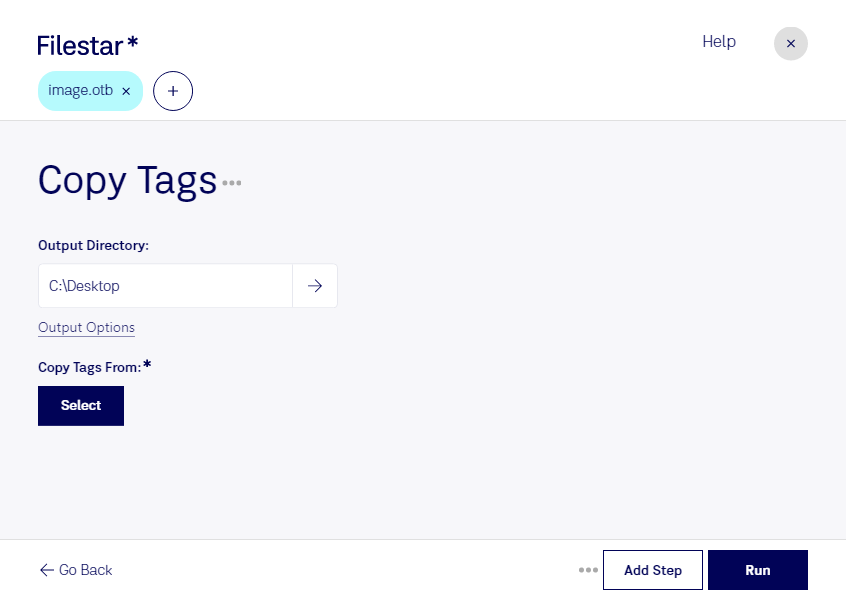
“Use Filestar to copy OTB tags in my Downloads folder”
Or run it yourself:
filestarcli -i photo.otb -c "copy tags"
Runs on your computer, so your files stay on it. Works on Windows, macOS and Linux. 50 free conversions with the npm install, no account needed.
Can my AI agent copy OTB tags?
Yes. Install the Filestar CLI with npm install -g filestar and your agent can run filestarcli -i photo.otb -c "copy tags" on your computer, so your files stay on it.
The OTB (Nokia Over The Air Bitmap Image) file format is a type of image file developed for use on Nokia mobile devices. These files are specifically optimized for efficient transmission and display on Nokia phones, particularly older models. The OTB format is designed to be compact to facilitate over-the-air (OTA) transmission, which was an essential feature in the era of limited bandwidth and data transfer capabilities. The format supports monochrome graphics, making it suitable for simple images like icons and logos.