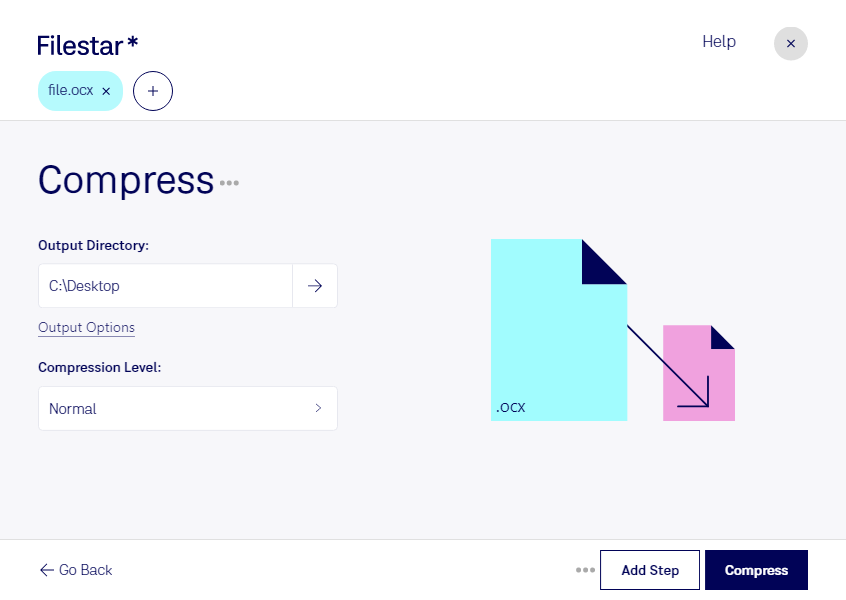
“Use Filestar to compress OCX in my Downloads folder”
Or run it yourself:
filestarcli -i file.ocx -c "compress"
Runs on your computer, so your files stay on it. Works on Windows, macOS and Linux. 50 free conversions with the npm install, no account needed.
Can my AI agent compress OCX?
Yes. Install the Filestar CLI with npm install -g filestar and your agent can run filestarcli -i file.ocx -c "compress" on your computer, so your files stay on it.
An OCX (ActiveX Control) file is a type of Windows file used to provide interactive content on websites or program interfaces. It contains executable code written in a programming language such as Visual Basic or C++ and provides a way for websites to provide interactive content such as animation, 3D graphics, and games. It is also used by Windows programs to control the user interface and display information.