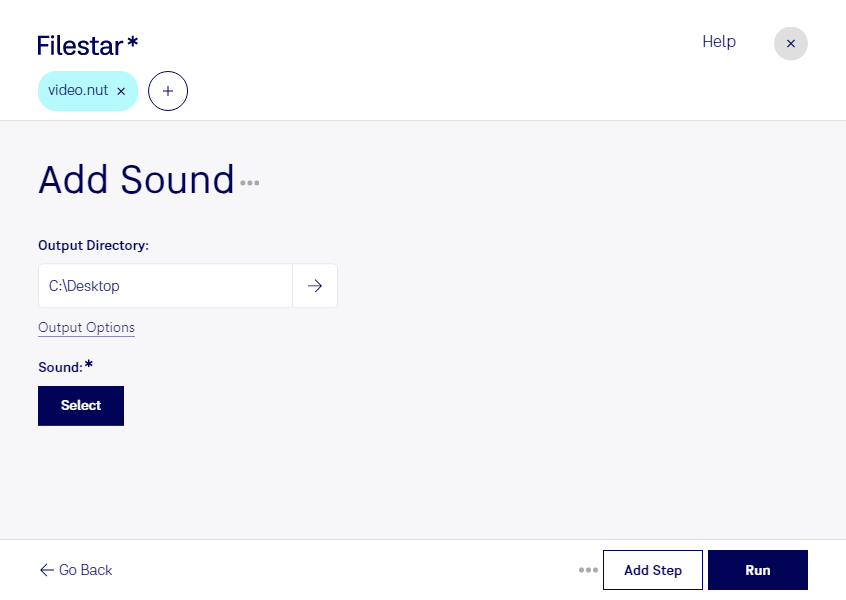
“Use Filestar to add NUT sound in my Downloads folder”
Or run it yourself:
filestarcli -i file.nut -c "add sound"
Runs on your computer, so your files stay on it. Works on Windows, macOS and Linux. 50 free conversions with the npm install, no account needed.
Can my AI agent add NUT sound?
Yes. Install the Filestar CLI with npm install -g filestar and your agent can run filestarcli -i file.nut -c "add sound" on your computer, so your files stay on it.
The nut file type was created by the FFmpeg project.
Description
The nut file extension is associated with the NUT a patent-free, multimedia container format originally conceived by a few MPlayer and FFmpeg developers that were dissatisfied with the limitations of all currently available multimedia container formats such as AVI, Ogg or Matroska.