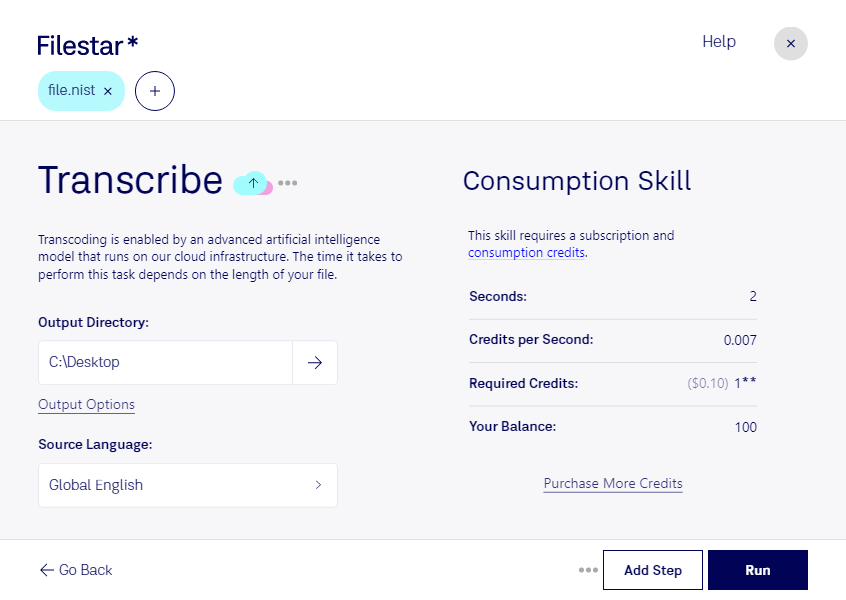
“Use Filestar to transcribe NIST in my Downloads folder”
Or run it yourself:
filestarcli -i file.nist -c "transcribe"
Runs on your computer, so your files stay on it. Works on Windows, macOS and Linux. 50 free conversions with the npm install, no account needed.
Can my AI agent transcribe NIST?
Yes. Install the Filestar CLI with npm install -g filestar and your agent can run filestarcli -i file.nist -c "transcribe" on your computer, so your files stay on it.
SPHERE (SPeech HEader Resources) is a file format defined by NIST (National Institute of Standards and Technology) and is used with speech audio. SoX can read these files when they contain μ-law and PCM data. It will ignore any header information that says the data is compressed using shorten compression and will treat the data as either μ-law or PCM. This will allow SoX and the command line shorten program to be run together using pipes to encompasses the data and then pass the result to SoX for processing.