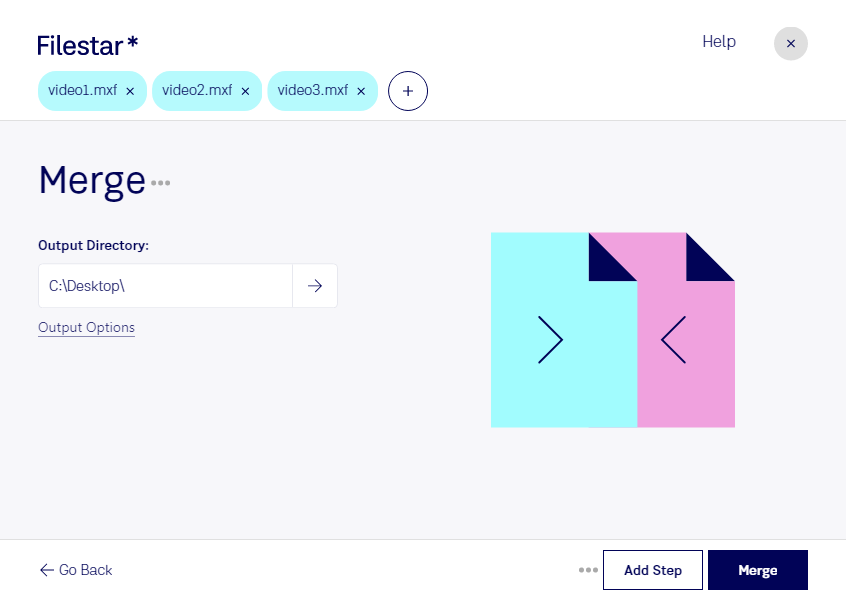
“Use Filestar to merge MXF in my Downloads folder”
Or run it yourself:
filestarcli -i file.mxf -c "merge"
Runs on your computer, so your files stay on it. Works on Windows, macOS and Linux. 50 free conversions with the npm install, no account needed.
Can my AI agent merge MXF?
Yes. Install the Filestar CLI with npm install -g filestar and your agent can run filestarcli -i file.mxf -c "merge" on your computer, so your files stay on it.
Multimedia format used by digital audio and video programs; contains captured audio and video data as well as metadata that describes the media stored in the file; designed by Society of Motion Picture and Television Engineers (SMPTE) as a standard container for audio and video data; can be converted into other formats, such as .AVI or .MOV.