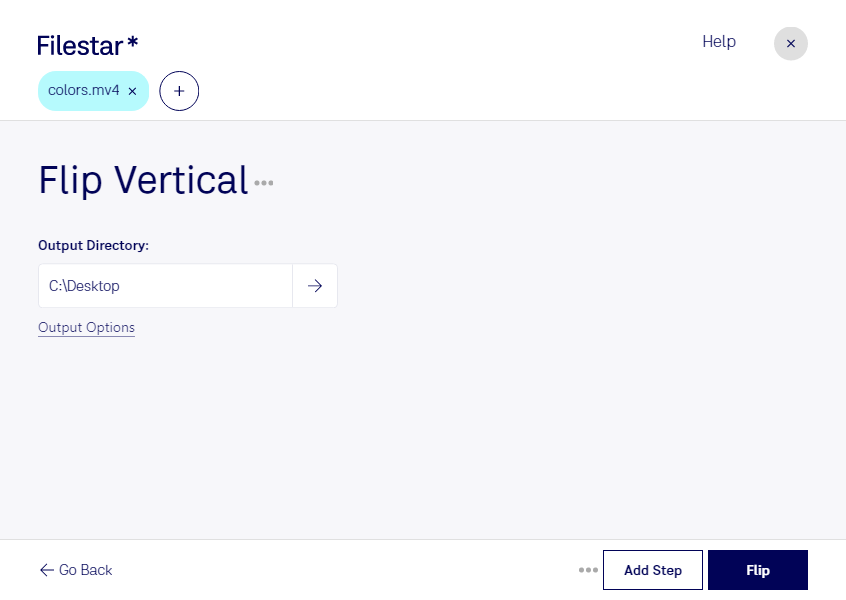
“Use Filestar to flip MV4 vertical in my Downloads folder”
Or run it yourself:
filestarcli -i file.mv4 -c "flip vertical"
Runs on your computer, so your files stay on it. Works on Windows, macOS and Linux. 50 free conversions with the npm install, no account needed.
Can my AI agent flip MV4 vertical?
Yes. Install the Filestar CLI with npm install -g filestar and your agent can run filestarcli -i file.mv4 -c "flip vertical" on your computer, so your files stay on it.
M4V is a video container that stores audio and video data used for iTunes files. Files of this type may be protected from illegal viewing and copying with Apple FairPlay DRM. In this case audio or video files should be bought in iTunes store. Not protected files can be viewed almost in any modern player because the format is based on MPEG-4 structure.