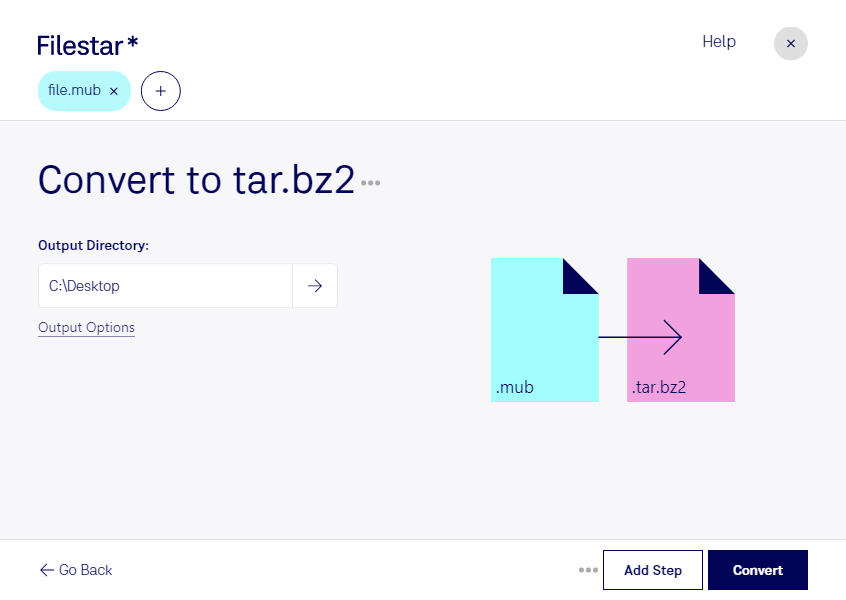
“Convert the MUB files in my Downloads folder to TAR.BZ2”
Or run it yourself:
filestarcli -i file.mub -c "convert to tar.bz2"
Runs on your computer, so your files stay on it. Works on Windows, macOS and Linux. 50 free conversions with the npm install, no account needed.
Can my AI agent convert MUB to TAR.BZ2?
Yes. Install the Filestar CLI with npm install -g filestar and your agent can run filestarcli -i file.mub -c "convert to tar.bz2" on your computer, so your files stay on it.
The .mub file type is associated with ExtractNow, an application used to extract multiple archives with ease. It contains a list of archives as well as information about their extraction destinations.
It is a TAR archive file compressed using BZ2 compression codec and is popularly used to distribute Linux application packages.