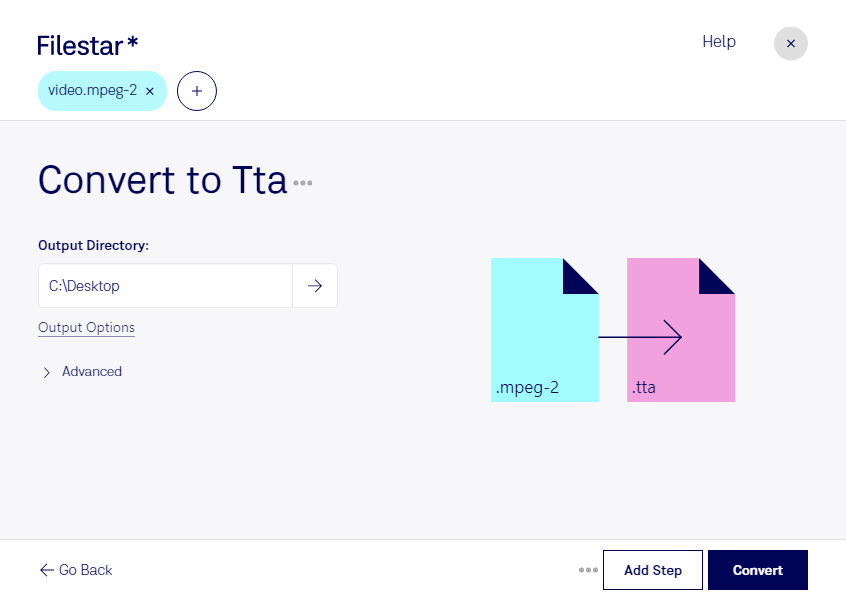
“Convert the MPEG-2 files in my Downloads folder to TTA”
Or run it yourself:
filestarcli -i file.mpeg-2 -c "convert to tta"
Runs on your computer, so your files stay on it. Works on Windows, macOS and Linux. 50 free conversions with the npm install, no account needed.
Can my AI agent convert MPEG-2 to TTA?
Yes. Install the Filestar CLI with npm install -g filestar and your agent can run filestarcli -i file.mpeg-2 -c "convert to tta" on your computer, so your files stay on it.
Video file encoded with the MPEG-2 codec, which is mainly used for over-the-air, satellite, and cable digital TV signals and DVD video; uses lossy compression for audio and video to significantly reduce the size of the video data; not as efficient as the H.264 format.
Audio file compressed with the Free Lossless True Audio codec (TTA); supports compression of multichannel 8, 16, and 24-bit .WAV data; compresses the original audio data with compression ratios of 30-70 percent.