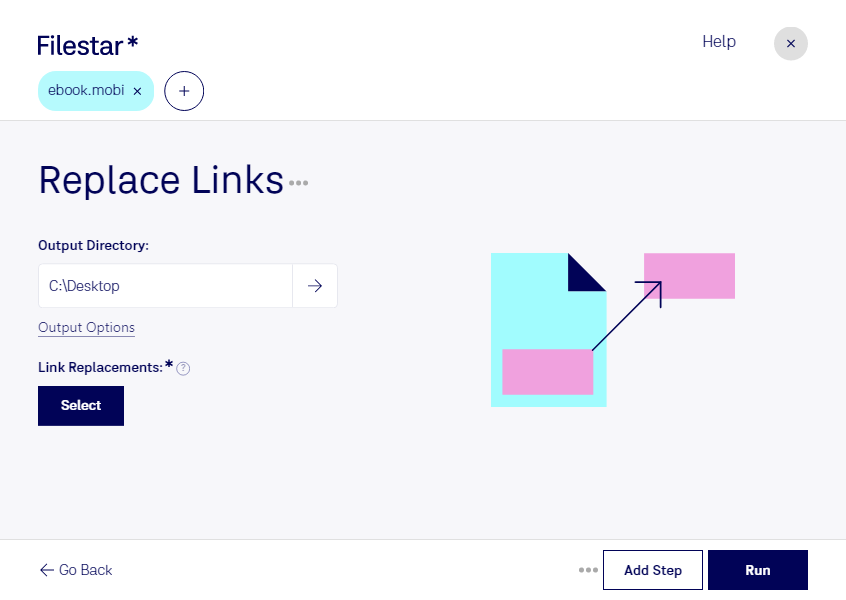
Replace mobi links

  1. Download and install the latest version of Filestar.

  2. Right click on one or more Mobi file(s) on your desktop and select Convert with Filestar.

  3. Type replace links in the search box.

  4. Press Run.

Or let an AI agent do it: filestarcli -i file.mobi -c "replace links" (how).

replace mobi links

Let your AI agent replace MOBI links

Claude Code, Codex, Cursor and other agents can do this on your computer with Filestar. Your files stay on your machine.

Install Filestar and add it to your agents:

npm install -g filestar
filestarcli agent install

Then ask your agent:

“Use Filestar to replace MOBI links in my Downloads folder”

Or run it yourself:

filestarcli -i file.mobi -c "replace links"

Runs on your computer, so your files stay on it. Works on Windows, macOS and Linux. 50 free conversions with the npm install, no account needed.

Can my AI agent replace MOBI links?

Yes. Install the Filestar CLI with npm install -g filestar and your agent can run filestarcli -i file.mobi -c "replace links" on your computer, so your files stay on it.

Using Filestar With AI Agents · Download SKILL.md

What is .mobi?

Extension
.mobi
Format
Binary
Category
Ebook
Developer
Amazon
Description
A MOBI file is an eBook saved in the MOBI format, a format originally used by the Mobipocket Reader but now supported by several different readers. It contains an eBook and may incorporate DRM copyright protection to prevent copying or unauthorized viewing. MOBI files are supported by various eReaders, tablets, PDAs, and desktop computer applications.
MIME Type
application/x-mobipocket-ebook

Replace Mobi Links Today

Get started within minutes

Are you tired of manually replacing Mobi links one by one? With Filestar, you can easily replace Mobi links in bulk. Our software allows for batch conversion and operations, saving you time and effort.

Whether you're a publisher, author, or editor, our replace Mobi links feature can be incredibly useful. For example, if you're publishing an eBook and need to update all the links within the book, our software can help you do that quickly and efficiently.

And the best part? Filestar runs locally on your computer, meaning you don't have to worry about your files being processed in the cloud. This ensures the safety and security of your files, as well as faster processing times.

So why wait? Download Filestar today and start replacing Mobi links with ease.