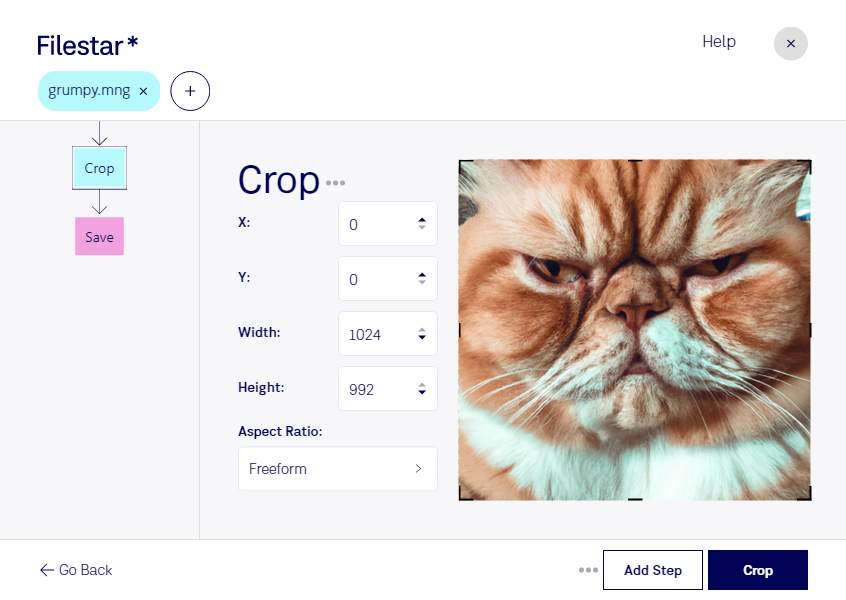
Crop MNG Conversion and Processing Software
Filestar's crop MNG conversion and processing software is the perfect tool for professionals in the agriculture, photography, and graphic design industries. With the ability to perform bulk/batch operations, users can easily convert and process multiple MNG files at once, saving valuable time and effort.
Filestar's software runs on both Windows and OSX, providing users with a versatile and user-friendly platform to manage their MNG files. By converting and processing locally on your computer, you can rest assured that your files are safe and secure, without the need for an internet connection.
In the agriculture industry, crop MNG files are commonly used to track crop growth and yield. By using Filestar's software, farmers and agricultural professionals can easily convert and process their MNG files to analyze crop data and make informed decisions about their crops.
Photographers and graphic designers can also benefit from Filestar's crop MNG conversion and processing software. By using the software to crop and resize MNG files, professionals can create stunning images and graphics for their clients.
In conclusion, Filestar's crop MNG conversion and processing software is the perfect tool for professionals in a variety of industries. With its bulk/batch operations, local processing, and user-friendly platform, users can easily manage and manipulate their MNG files with ease. Get in touch with us today to learn more about how Filestar can help you streamline your workflow.