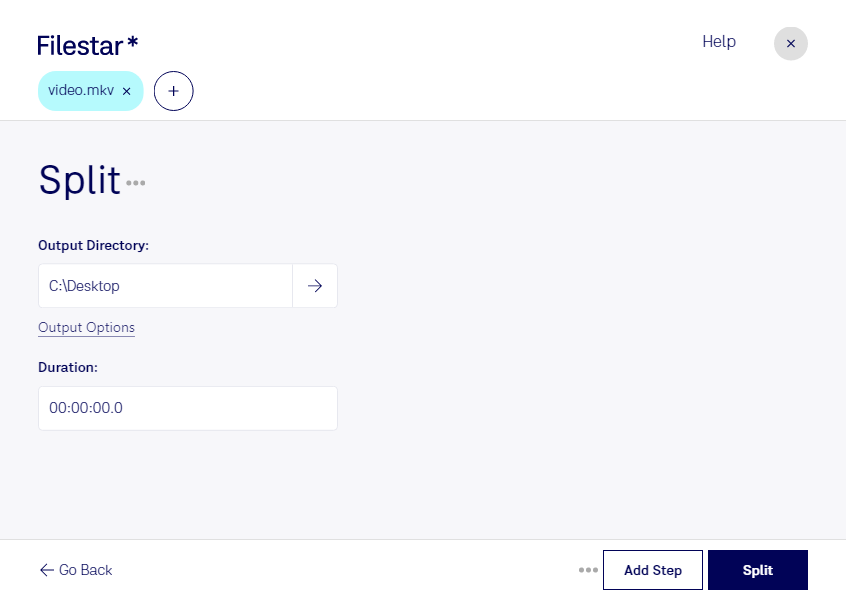
Split mkv

  1. Download and install the latest version of Filestar.

  2. Right click on one or more Mkv file(s) on your desktop and select Convert with Filestar.

  3. Type split in the search box.

  4. Press Split.

Or let an AI agent do it: filestarcli -i file.mkv -c "split" (how).

split mkv

Let your AI agent split MKV

Claude Code, Codex, Cursor and other agents can do this on your computer with Filestar. Your files stay on your machine.

Install Filestar and add it to your agents:

npm install -g filestar
filestarcli agent install

Then ask your agent:

“Use Filestar to split MKV in my Downloads folder”

Or run it yourself:

filestarcli -i file.mkv -c "split"

Runs on your computer, so your files stay on it. Works on Windows, macOS and Linux. 50 free conversions with the npm install, no account needed.

Can my AI agent split MKV?

Yes. Install the Filestar CLI with npm install -g filestar and your agent can run filestarcli -i file.mkv -c "split" on your computer, so your files stay on it.

Using Filestar With AI Agents · Download SKILL.md

What is .mkv?

Extension
.mkv
Format
Binary
Category
Video
Developer
Matroska
Description
An MKV file is a video container format similar to the .AVI, .ASF, and .MOV formats. It supports several types of audio and video codecs and may include .SRT, .SSA, or .USF (Universal Subtitle Format) subtitles. MKV files also support VobSub subtitles from DVDs.
MIME Type
video/x-matroska

Split Mkv Today

Get started within minutes

Are you struggling to manage large MKV files? Filestar's split MKV feature allows you to divide your video files into smaller, more manageable parts. This feature is especially useful for professionals who work with video content, such as video editors, content creators, and filmmakers.

Filestar's bulk conversion and operations capabilities make it easy to split multiple MKV files at once, saving you time and effort. Plus, since Filestar runs locally on your computer, you can feel confident that your files are being processed securely, without the risk of compromising your data by uploading it to the cloud.

Whether you're working on a large-scale video project or simply need to split a few MKV files, Filestar has you covered. Our software is available for both Windows and OSX, so no matter what operating system you use, you can take advantage of our powerful features.

Try Filestar today and see how easy it is to split MKV files and manage your video content. With our user-friendly interface and powerful bulk processing capabilities, you'll wonder how you ever managed without it. Contact us to learn more or download a free trial today.